
Payment problems
If customers can't pay by card — or a payment doesn't seem to charge — it's nearly always the provider setup. Work through these in order.
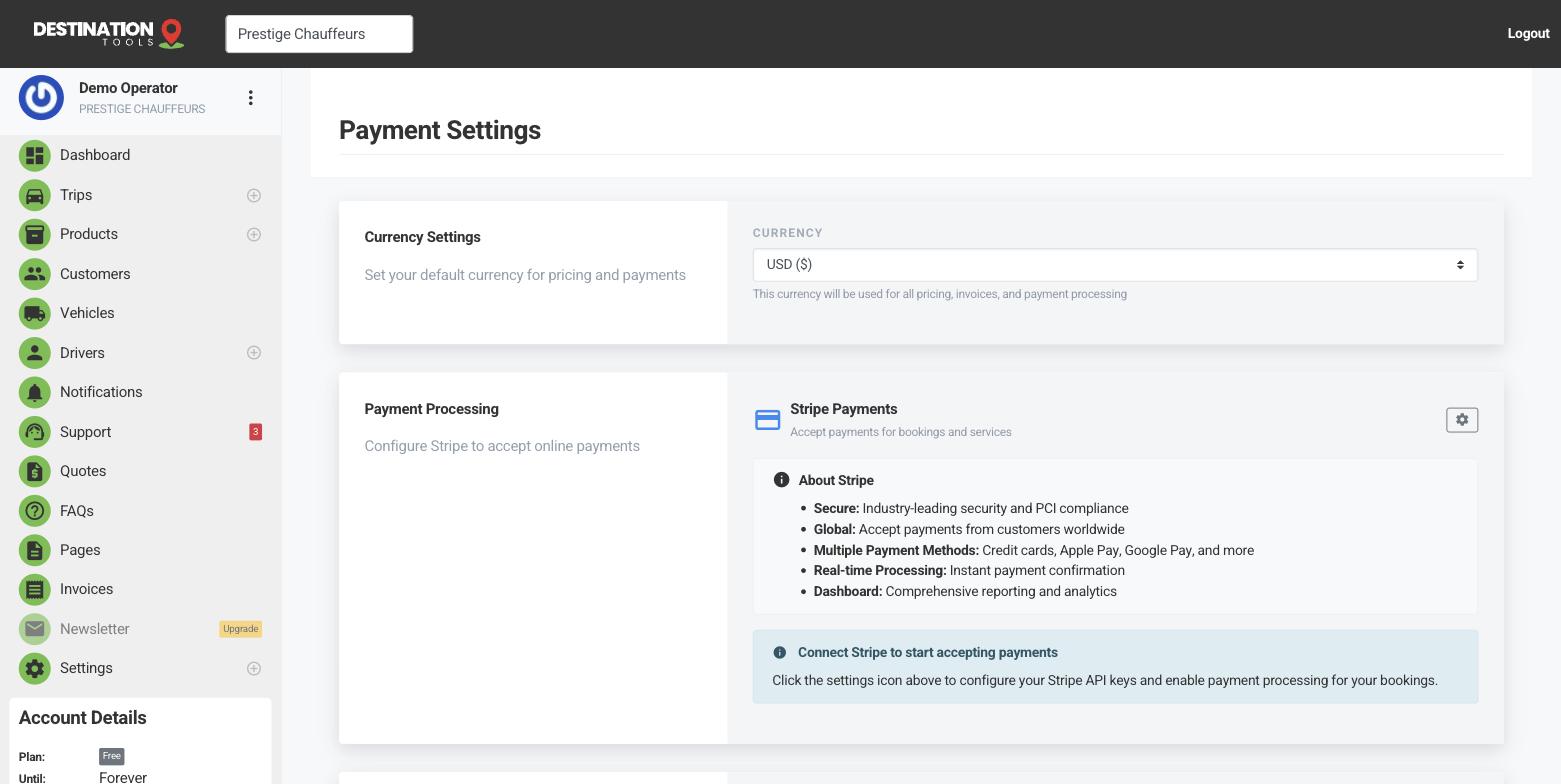
Is the provider fully connected?
Open Settings → Payment Settings and confirm your Stripe or Revolut connection is complete, including every verification step the provider asked for. Unfinished setup is the number-one reason the card option is missing from invoices or payouts are held — the connection can look “there” while a pending verification quietly blocks it.
Where to find it
Dashboard → Settings → Payment SettingsCheck you're in live mode
If payments appear to go through but no real money moves, check you're not in test mode. Revolut in particular shows a sandbox indicator — “test payments only, no real charges” — and a provider left in test mode will happily accept a booking without ever charging the card. Switch to live mode before you rely on it.
Where to find it
Payment Settings → provider → test / live modeConfirm the card option appears
Open one of your invoices and your public booking page and check the pay-by-card option is actually showing. If it's absent, the provider isn't fully live — reconnect it from Payment Settings. If it shows but a specific customer's card is declined, that's between them and their bank; ask them to try another card or settle another way.
Where to find it
Invoices / booking page → Pay by card visible?Still not working
If card payments still fail after reconnecting and confirming live mode, don't let it hold up the job — take a deposit another way or record a manual payment to keep the booking moving, then contact support with the invoice number and which provider you're using. For how the options fit together, see Payment providers & methods.
Still need help?
Can't find what you're looking for? Send our support team a message and we'll reply by email.