
Revolut
Take card payments — and bank transfers — through Revolut, a full alternative to Stripe for operators who already bank with it.
Connect Revolut
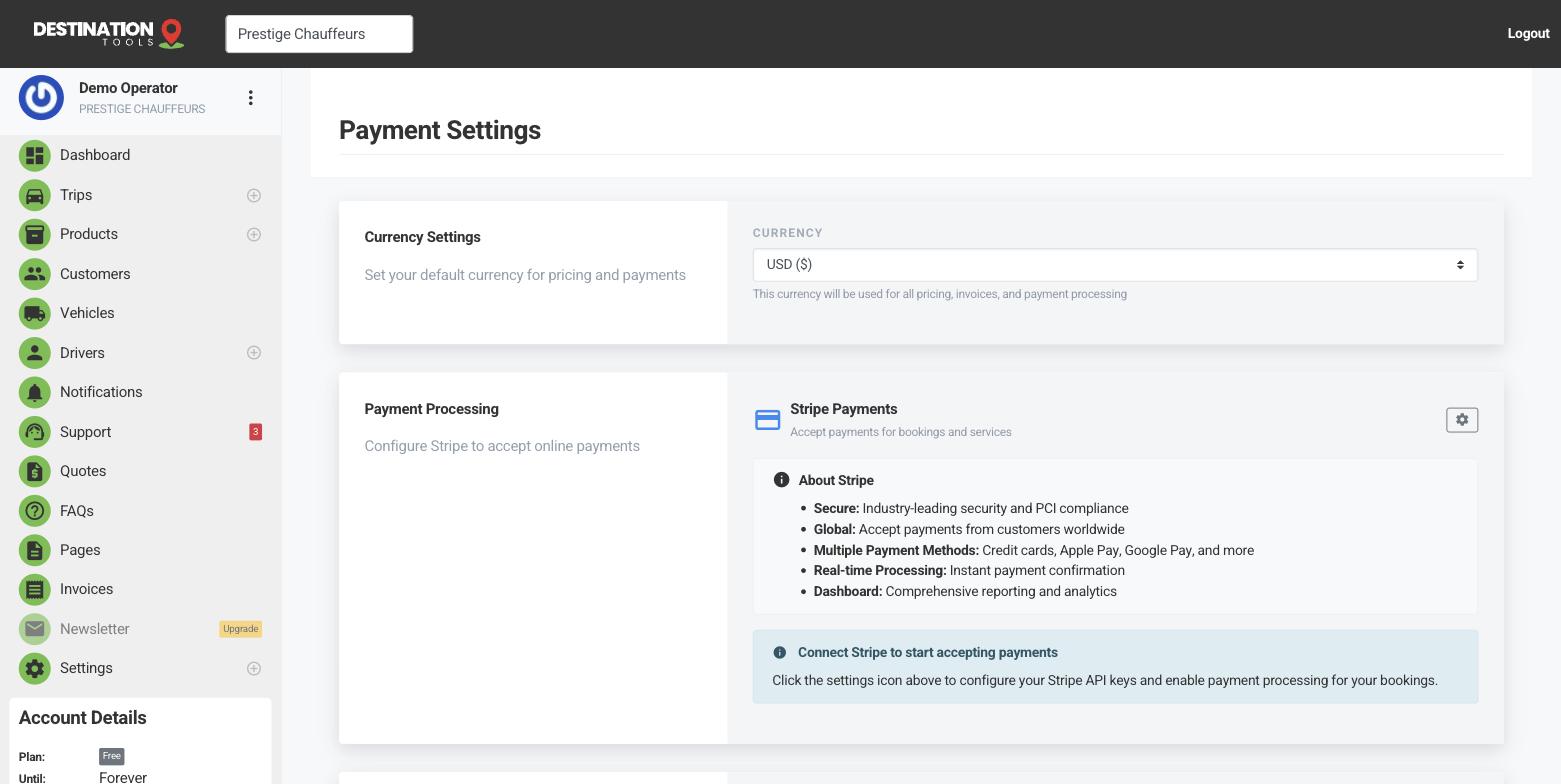
Set Revolut up in Settings → Payment Settings. Add your Revolut Merchant API keys to switch it on. Once connected, a pay-by-card option appears on your invoices and your public booking page, exactly as it would with Stripe — customers pay, and the money lands in your Revolut account.
Where to find it
Dashboard → Settings → Payment Settings → RevolutCards and bank transfers
Revolut gives you two ways to be paid: Revolut Merchant for card payments, and Open Banking for direct bank transfers. Bank transfers can be a cheaper way to settle larger invoices — a good fit for a corporate account paying for a month of executive travel — while cards keep everyday online bookings frictionless.
Where to find it
Payment Settings → Revolut Merchant / Open BankingTest mode and live mode
Revolut can run in a sandbox (test) mode for trying it out without moving real money, or live mode for real charges. The settings screen shows which mode you're in — “test payments only” versus “live payments enabled”. Make sure you're in live mode before you rely on it, or genuine customer cards won't actually be charged.
Where to find it
Payment Settings → Revolut → test / live modeStripe or Revolut — your choice
You don't need both. Pick the provider that fits how you already handle money, or record cash and transfers by hand for jobs settled in person. See Payment providers & methods for the full picture, and Connect Stripe if you'd rather go that route.
Still need help?
Can't find what you're looking for? Send our support team a message and we'll reply by email.