
Deposits & balance payments
Secure the booking with a deposit now, collect the balance closer to the trip — the standard way to protect yourself on weddings, long-distance runs and big-ticket jobs.
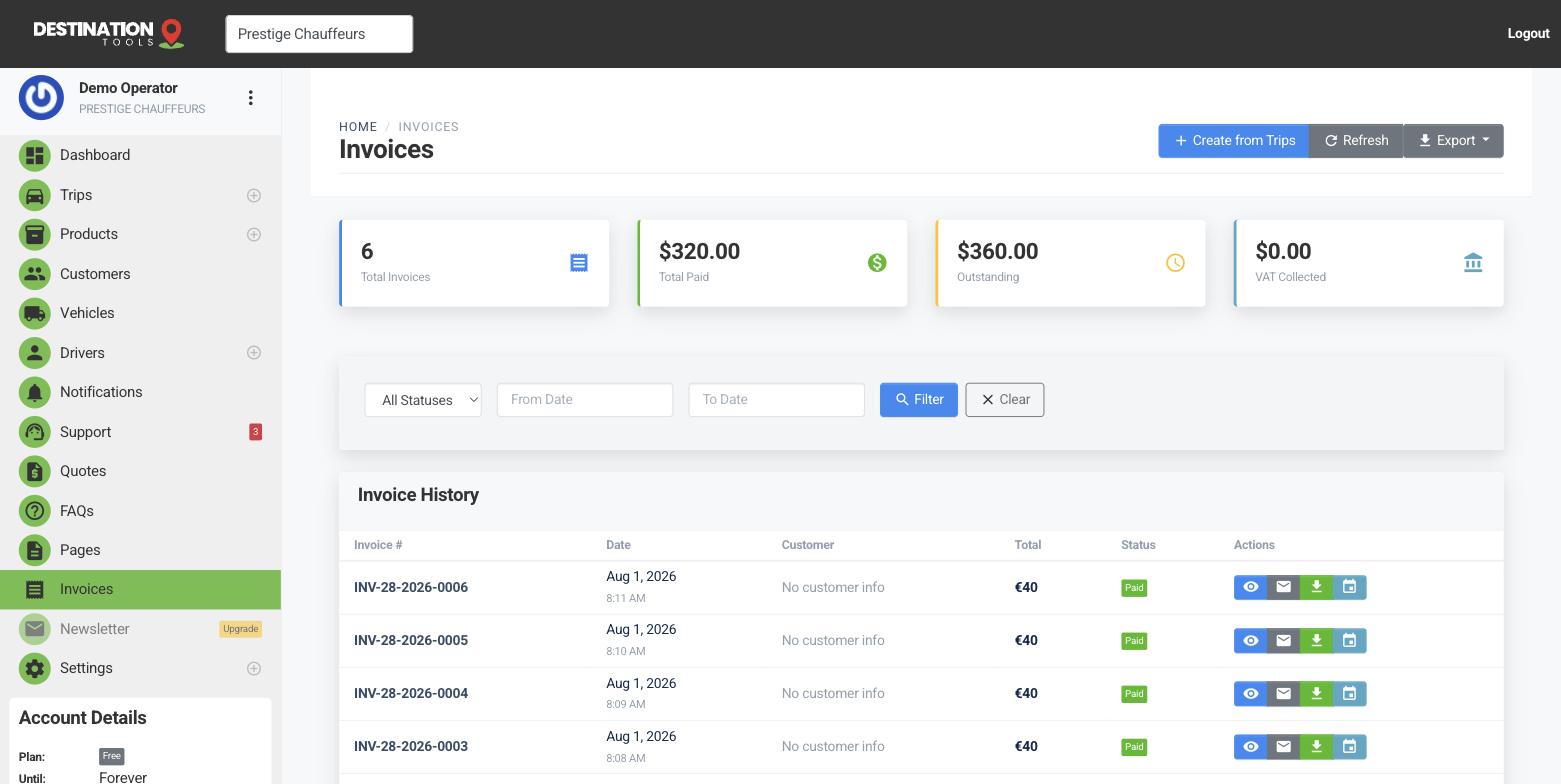
Take a deposit up front
Rather than invoicing the full fare at booking, invoice part of it as a deposit. The customer pays the deposit to lock in the date, and the invoice records it as a partial payment — so a €120 airport transfer booked weeks ahead can be secured with, say, a €40 deposit and the rest owing. It's the simplest guard against a no-show costing you a car and a driver.
Where to find it
Dashboard → Invoices → invoice a trip → take a depositThe invoice tracks what's owed
Once a deposit is paid, the invoice stays open with the balance clearly outstanding — it shows the total, what's been paid and what's left. You're never guessing whether a booking is part-paid or settled; the number is right there on the invoice and reflected in the trip's payment status.
Where to find it
Invoices → open the invoice → amount paid / balance dueCollect the balance
As the trip nears, send a payment reminder from the invoice — it emails the customer a link to pay the outstanding balance by card. When it lands, the invoice moves to paid. If they settle in cash or by bank transfer instead, record that payment yourself and the balance clears the same way.
Where to find it
Invoices → open the invoice → Send payment reminderDeciding your deposit
Set a deposit that reflects your risk: enough to cover a wasted slot on a busy Saturday, but not so much that it deters a straightforward booking. For account customers you trust, you might skip the deposit and invoice in full afterwards — see Corporate & account customers. Card collection needs a provider connected; see Connect Stripe or Revolut.
Still need help?
Can't find what you're looking for? Send our support team a message and we'll reply by email.