
Accepting & converting a quote
What happens when a customer accepts — and how the quote becomes an invoice without re-keying a thing.
When they say yes
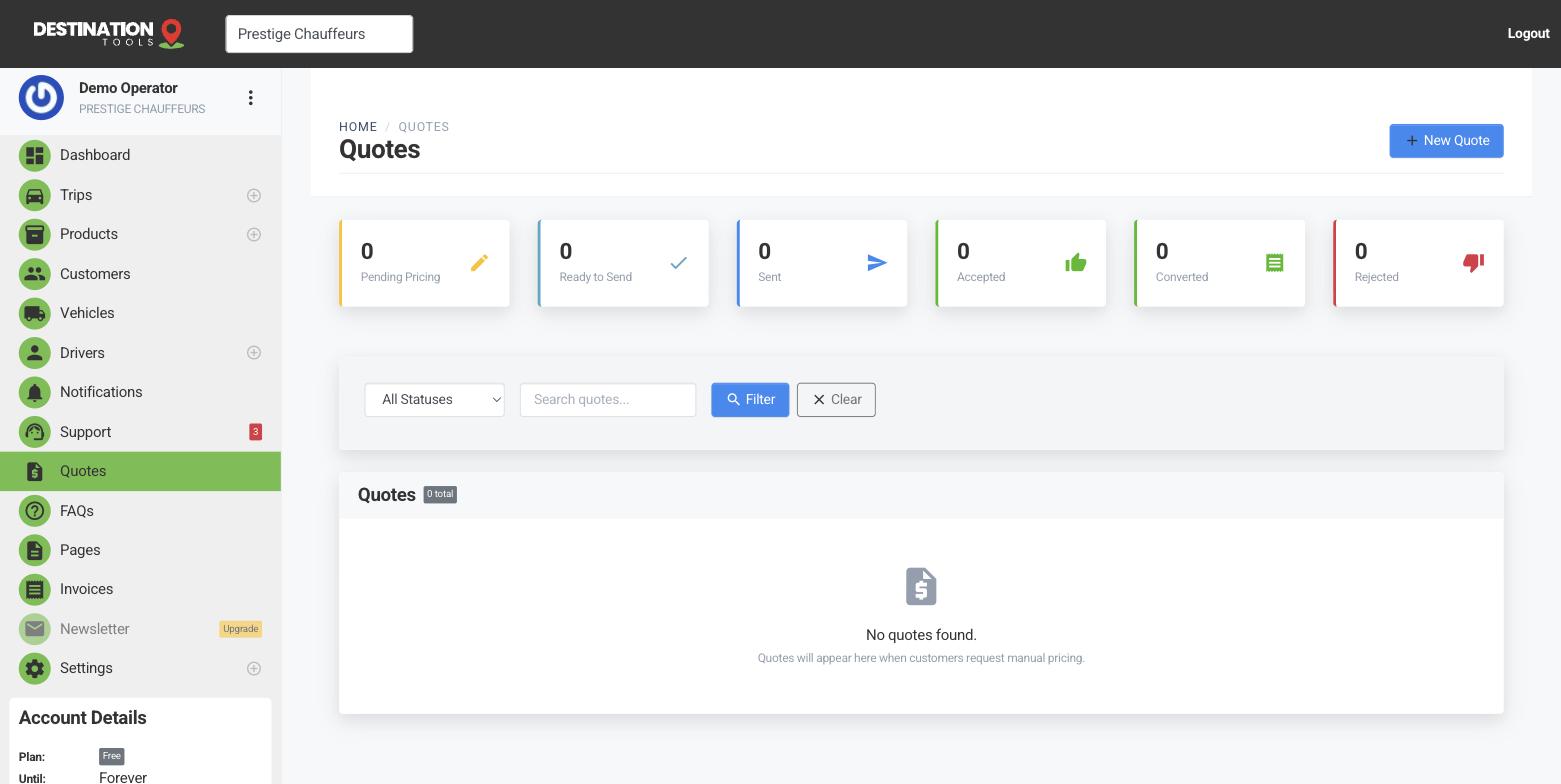
A customer can accept right from the branded quote page you sent them — no login, just a click. The quote is marked accepted and you’ll see it change status in Quotes, so you know the job is on. If they get in touch to accept another way, you can mark it accepted yourself.
Where to find it
Dashboard → Quotes → accepted quoteConvert to an invoice
From an accepted quote, choose Convert to invoice. Every trip and its price carries across intact — the airport runs, the fixed wedding fee, any waiting-time line — and an invoice number is generated. Nothing gets re-typed, so nothing gets missed between what you quoted and what you bill.
Where to find it
Quotes → accepted quote → Convert to invoiceFrom quote to real trips
Converting also turns the agreed legs into real bookings you can plan around — ready to assign a driver and send out from the dispatch board. A five-run corporate quote becomes five trips in your schedule the moment it’s accepted, so the office and the road stay in step.
Getting paid
The new invoice works like any other: email it as a branded PDF and take payment by card through Stripe or Revolut, or record cash or a bank transfer yourself. See Invoice a trip for the full flow. The status moves from unpaid to paid as the money lands.
Still need help?
Can't find what you're looking for? Send our support team a message and we'll reply by email.