
Invoice a trip
Once a trip is done — or before it, for a deposit — turn it into an invoice your customer can pay.
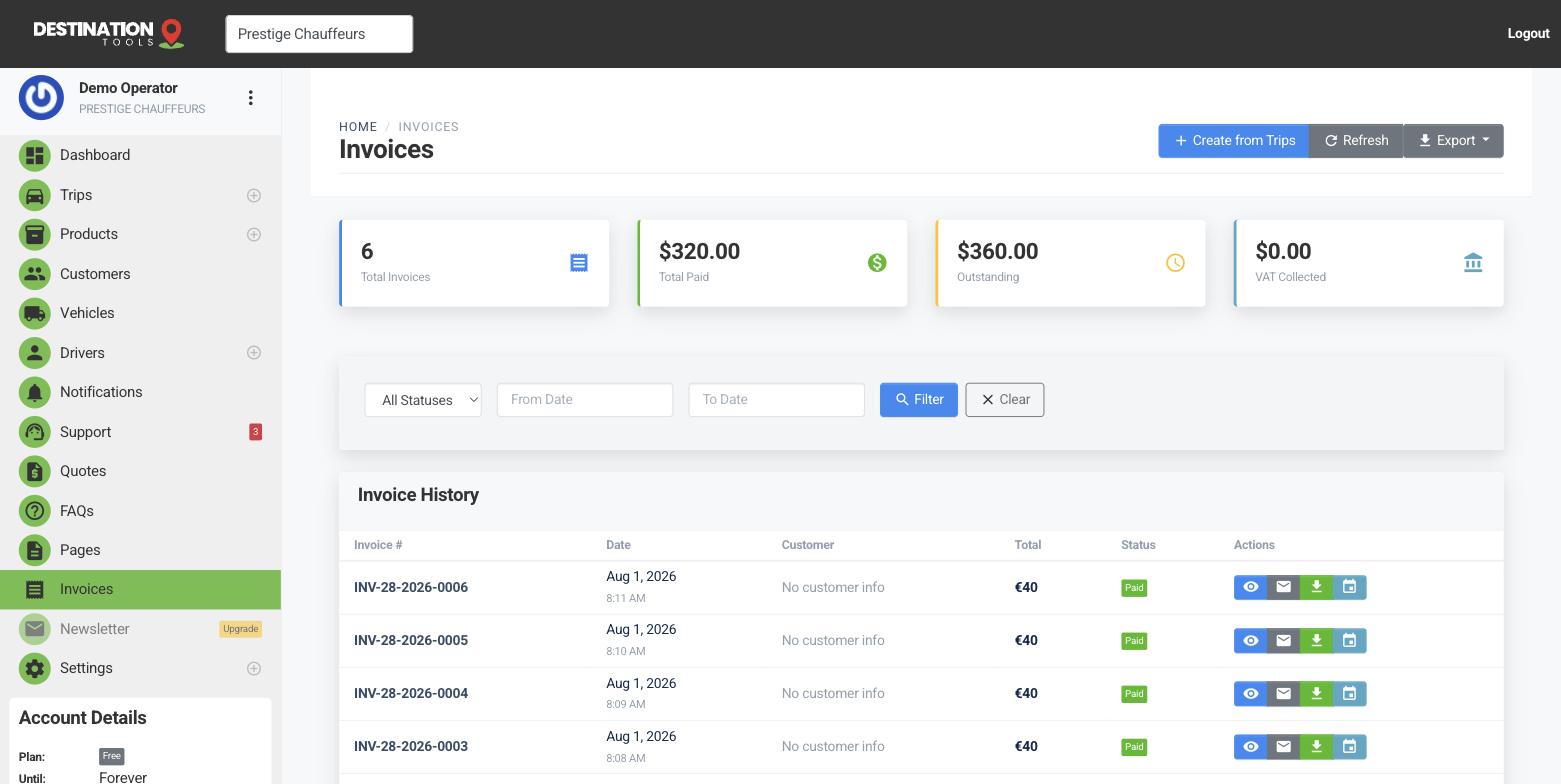
Create the invoice
Open the trip and choose Invoice, or start a new invoice from Invoices and add trips to it. Each trip becomes a line item with its price; you can add your own line items too, for waiting time, tolls or extra stops. We generate an invoice number automatically.
Where to find it
Trips → open a trip → InvoiceAdd VAT if you charge it
If you've set up VAT, it's applied to the invoice and shown as its own line, so the customer sees the net amount, the tax and the total clearly.
Where to find it
Settings → VAT & taxSend and get paid
Email the invoice as a branded PDF. If you've connected Stripe or Revolut, the customer can pay by card from the invoice; otherwise you can record a payment yourself when cash or a bank transfer comes in. The invoice status moves from unpaid to paid as money arrives.
Keeping records
Every invoice is stored against the customer and can be re-downloaded as a PDF at any time, so your accounts — and your accountant — always have a copy. See Invoice PDFs & receipts.
Still need help?
Can't find what you're looking for? Send our support team a message and we'll reply by email.