
Which cars a driver can drive
Link each driver to the vehicles they're cleared to use, so the right person always ends up on the right car.
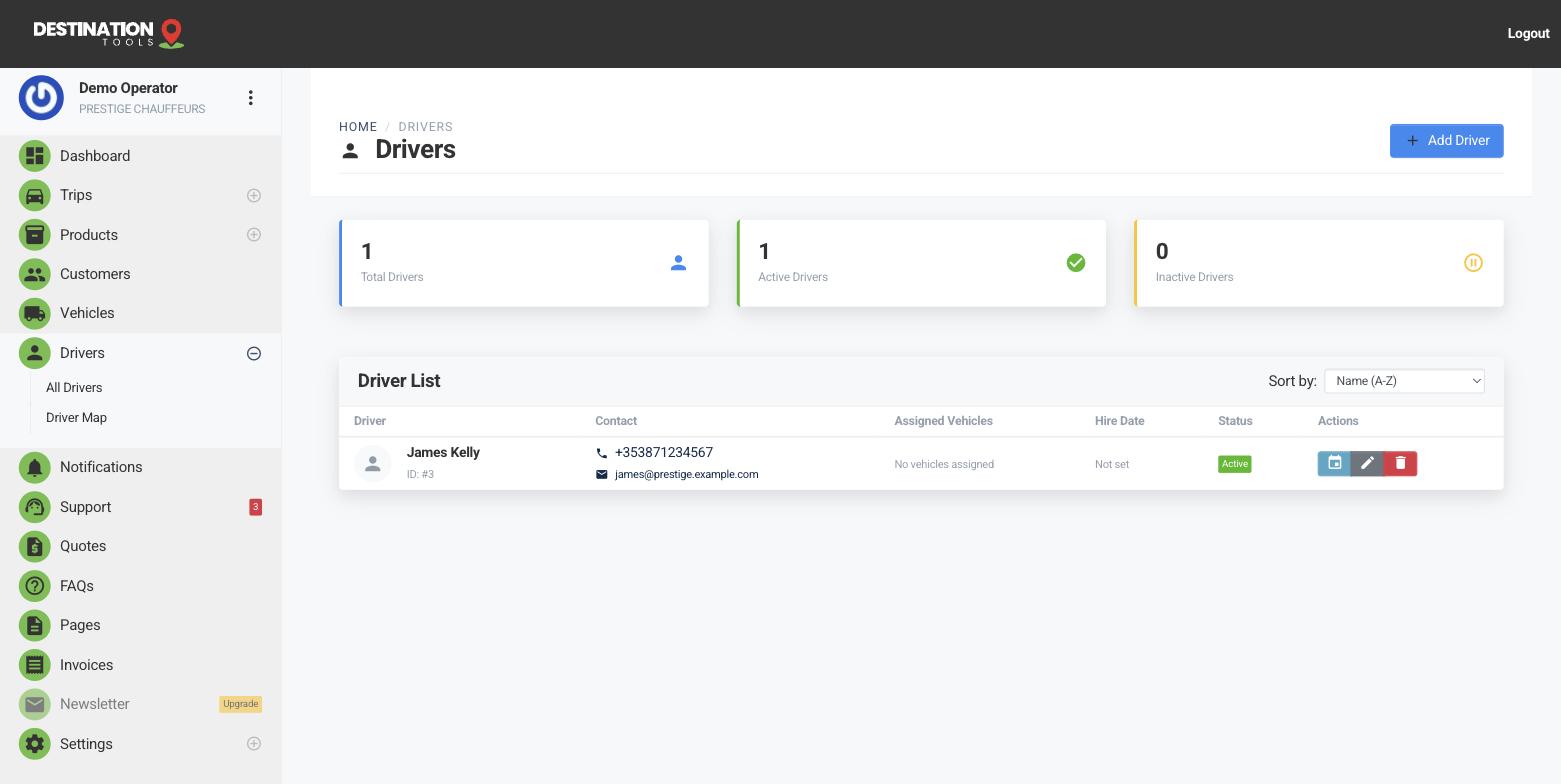
Match drivers to cars
Open a driver and link them to the vehicles they're cleared and comfortable to drive — the executive saloon, the Mercedes S-Class, the 8-seater van, the minibus. Not every chauffeur handles every class, and a driver who's never driven the 16-seater shouldn't be offered it. Setting these links once keeps assignment sensible for good.
Where to find it
Dashboard → Drivers → edit driver → VehiclesBuild your fleet first
A driver can only be linked to vehicles that already exist in your fleet, so add your cars before you set these clearances. Each vehicle carries its own capacity and pricing — see Add a car. As you grow the fleet, come back and clear the drivers who can take each new vehicle.
Where to find it
Dashboard → Cars → Add carOn the dispatch board
This is where the links earn their keep. When a trip is booked on a particular vehicle, drivers cleared for that car stand out, so you can see at a glance who can take the job. On a morning with an S-Class airport transfer and a van school run, the board makes the right pairing obvious rather than something you hold in your head. See The dispatch board and Assign & reassign drivers.
A quick note on capacity
Vehicle clearance is about who can drive the car; it works alongside the car's own limits on passengers and luggage. A booking is matched to a vehicle that can physically carry the party, and then to a driver cleared for that vehicle — the two together keep quotes and assignments honest. See Passengers & luggage limits.
Where it fits
Linking cars is the natural next step after you add a driver. Once it's done, you can assign trips knowing the picker is showing you drivers who can actually take the wheel.
Still need help?
Can't find what you're looking for? Send our support team a message and we'll reply by email.