
Incoming quote requests
Enquiries that arrive by email land as new quote requests — ready to price and send back, rather than slipping down your inbox.
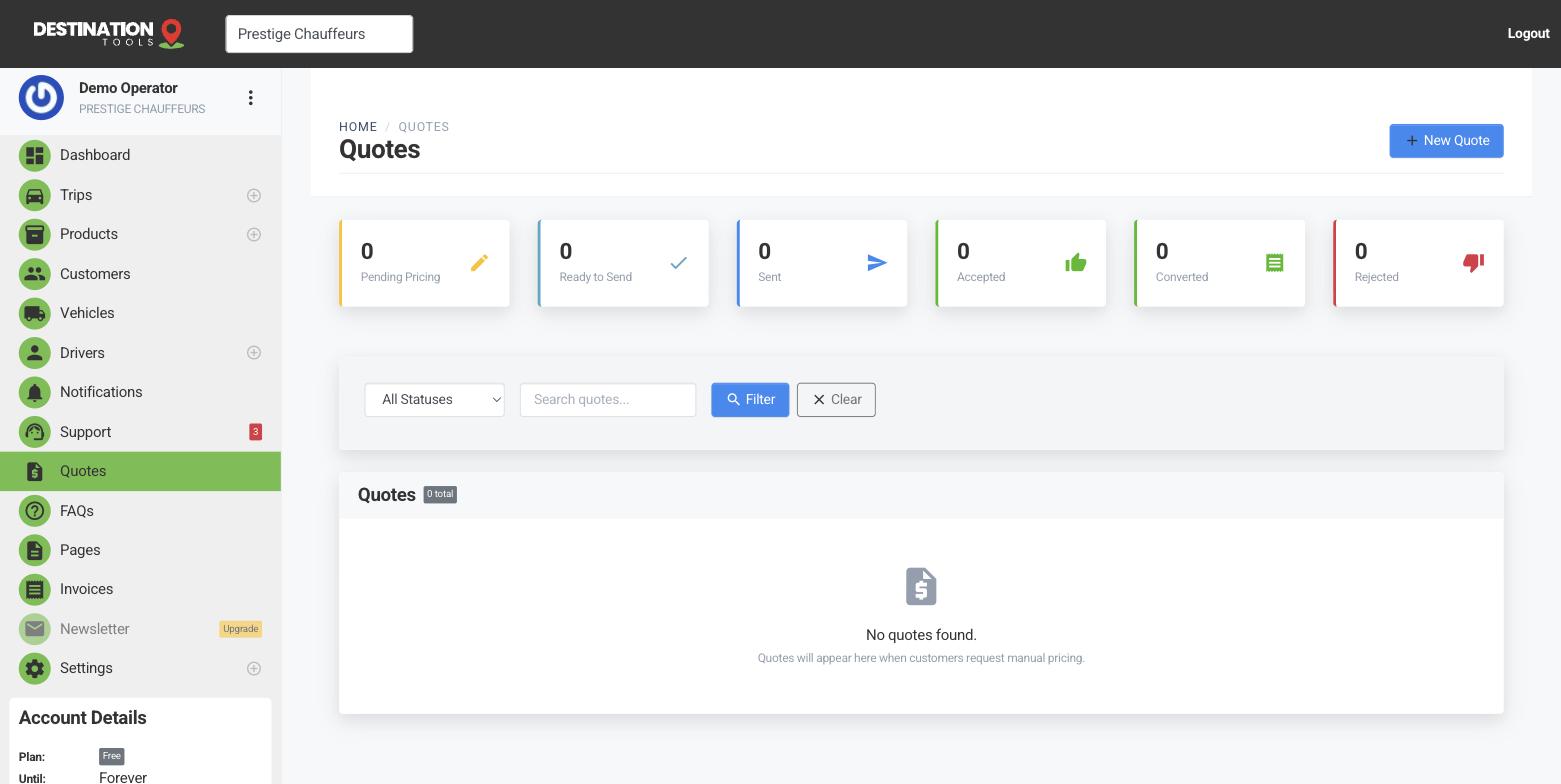
Enquiries become quotes
When a customer emails to ask “how much for an airport run next Tuesday?”, that enquiry can land as a new quote request rather than another message to chase. It arrives as a draft with the customer’s details, waiting in Quotes for you to price — so the enquiry that used to sit unanswered overnight is already halfway to a booking.
Where to find it
Dashboard → Quotes → RequestsTurn a request around
Open the request, add the trip details — pickup, drop-off, date, passengers — and choose the vehicle. As soon as the addresses are pinned, the distance and journey time are worked out for you, so pricing is a couple of clicks. Price each leg, then send. See Price the trips on a quote.
Where to find it
Quotes → Requests → open → add trips → PriceSpeed wins the job
In chauffeur work the first professional quote back often takes the booking. Because a request already holds the customer’s details, you can send a clean, branded quote in minutes while the enquiry is still warm — and then track when it’s viewed so you know when to follow up.
From request to booking
Once the customer accepts, the request has become a full quote that converts straight to an invoice, with the trips and pricing carried across. The whole path — enquiry, quote, booking, bill — stays on one record against the customer, so anyone on your team can pick it up. New to quotes? Start with Create a quote.
Still need help?
Can't find what you're looking for? Send our support team a message and we'll reply by email.