
Quote messages & replies
Discuss a quote with the customer by email, with the whole thread kept on the quote — so nothing gets lost in your inbox.
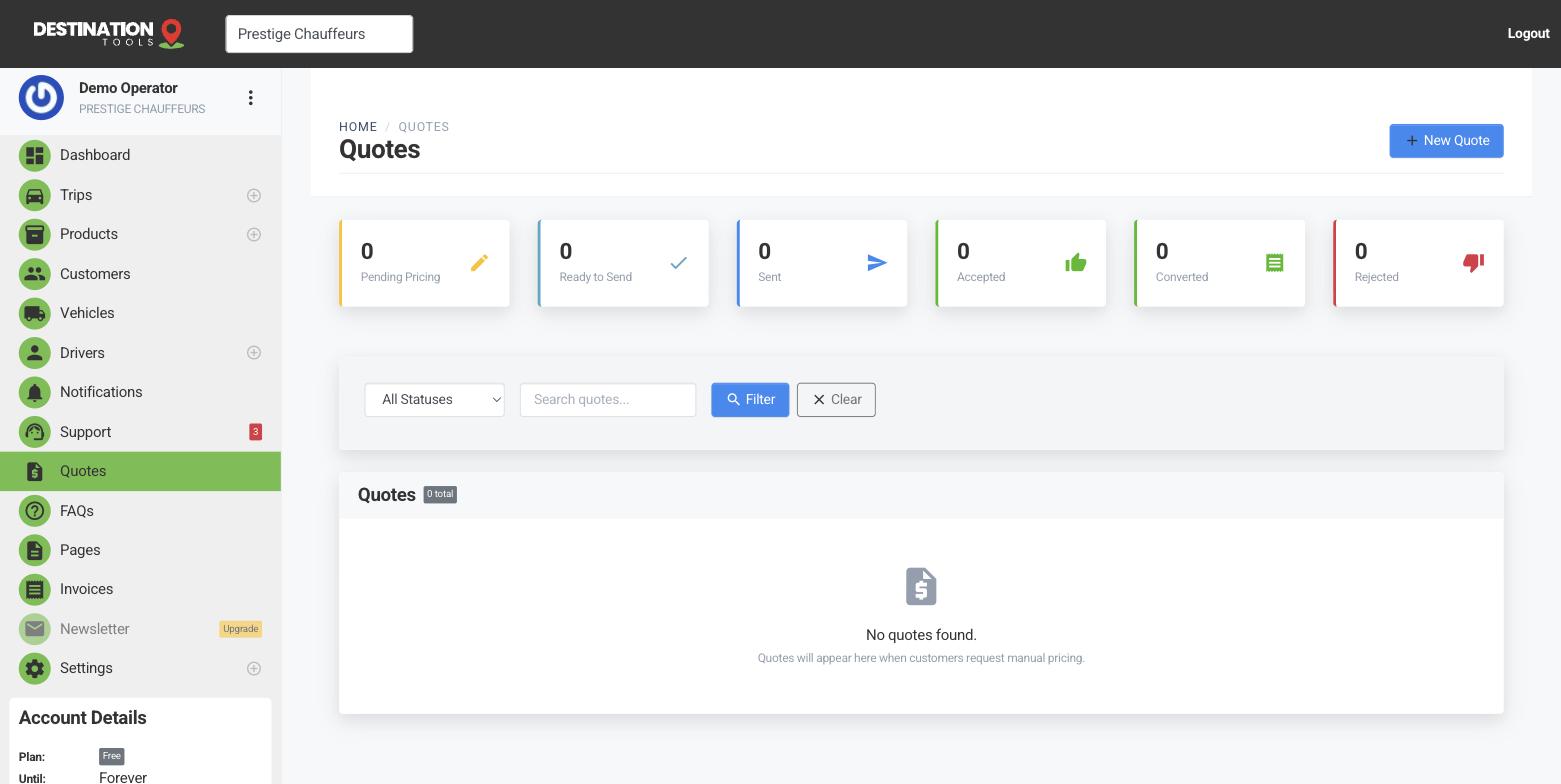
Talk on the quote
When you send a quote, the customer can reply with questions — and you can answer — all by email, all kept together on the quote itself. There’s no separate app for them to learn: they just reply as they would to any email, and the message lands against the right job. It saves digging through your inbox for “that airport enquiry from last Tuesday.”
Where to find it
Dashboard → Quotes → open a quote → MessagesReply from the quote
Answer straight from the quote and your reply emails the customer for you. Confirm that the Mercedes S-Class seats three with full luggage, agree an earlier pickup, or send the meet-and-greet arrangements — each exchange is stamped onto the quote in order, so you can always see what was asked and what you promised.
Where to find it
Quotes → open a quote → Messages → ReplyWhy keep it together
When the quote becomes a booking, the context comes with it. Anyone on your team can open the quote and see exactly what was agreed — the extra stop, the child seat, the flat price for waiting time — without hunting for a forwarded email. It also protects you: if there’s a question later about what was quoted, the record is right there on the job.
From conversation to booking
The messaging thread pairs naturally with view tracking: you can see the customer opened the quote, then read their questions and answer on the same page — see Send & track a quote. When they’re happy, accepting the quote converts it to an invoice with the whole agreed job intact.
Still need help?
Can't find what you're looking for? Send our support team a message and we'll reply by email.