
Invoice PDFs & receipts
Every invoice is a proper, branded PDF you can email or download — the paperwork customers keep and corporate accounts need before they'll pay.
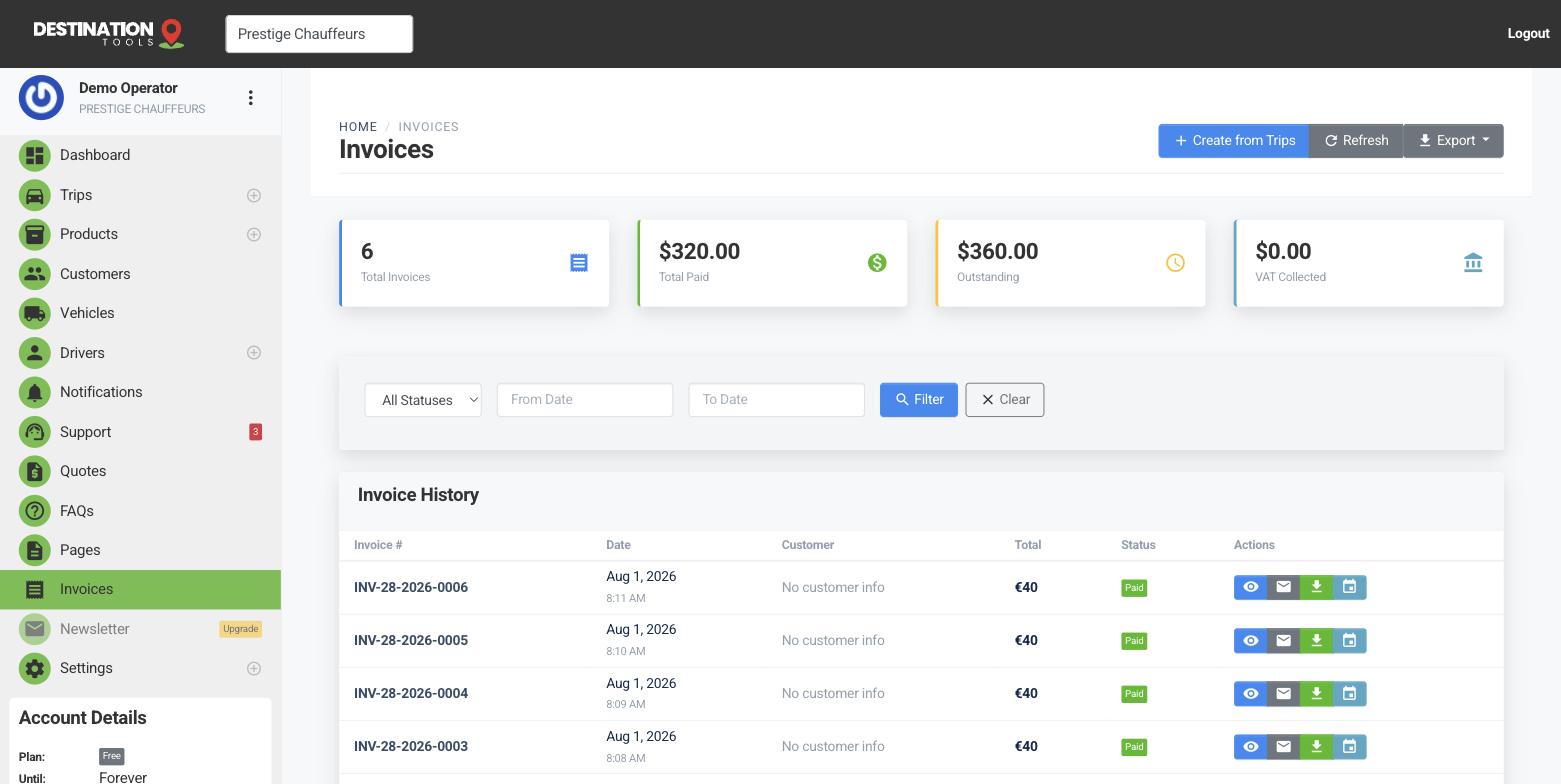
Email a branded invoice
From an invoice, choose Email invoice to send it to your customer as a PDF carrying your logo, business details and VAT number. It's a clean, professional document — the sort of thing a finance department can file and act on — and it goes out from your own sending setup so it looks like it came from Prestige Chauffeurs, not a generic system.
Where to find it
Dashboard → Invoices → open an invoice → Email invoiceDownload a copy
Need the file yourself? Download the invoice as a PDF straight from the invoice screen — for your own records, an expense claim, or to attach to an email by hand. It's the same document the customer receives, so there's never a mismatch between their copy and yours.
Where to find it
Invoices → open an invoice → Download PDFChase with a payment reminder
If an invoice is still unpaid, send a payment reminder from the same screen — it emails the customer a link to settle by card. It's a polite, effortless nudge that turns an overdue invoice into a paid one without an awkward phone call.
Where to find it
Invoices → open an invoice → Send payment reminderAlways on file
Every invoice is stored against the customer, so you can re-download any of them at any time — for a chased payment, an accountant's request or a customer who's lost their copy. Nothing is ever gone once it's been raised, which makes month-end and any billing query far simpler to settle.
Still need help?
Can't find what you're looking for? Send our support team a message and we'll reply by email.