
Terms & privacy
Publish your terms of service and privacy policy so customers know how you operate and how their details are handled — expected practice, and often required for corporate work.
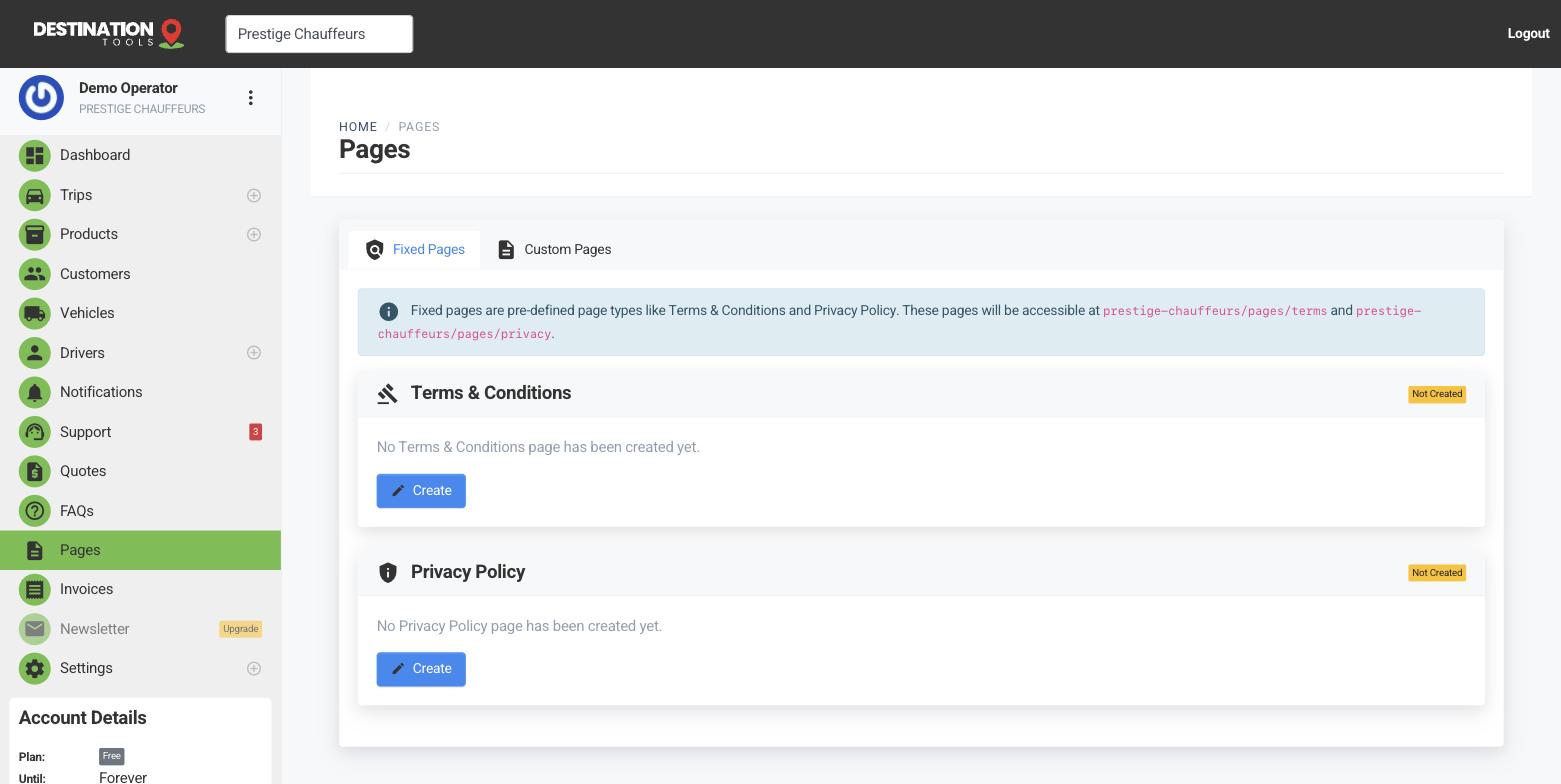
Edit your policy pages
Open Pages to edit your Terms & Conditions and Privacy Policy. Write them in plain language a passenger can follow — your cancellation window, waiting-time and no-show charges, what a deposit secures, and how you look after the contact and card details a booking involves.
Where to find it
Dashboard → Pages → Terms & Conditions / Privacy PolicyThey appear on your booking site
Once written, both policies publish as pages on your booking site and link from the footer, so a customer can read them before they book and find them again afterwards. There's nothing else to switch on — fill them in and they're live.
Where to find it
Your booking site → footer → Terms / PrivacyAdd your own pages too
Beyond terms and privacy you can create custom pages — a fleet overview, a corporate-accounts page, service areas — each with its own web address, to flesh out your booking site. They live in the same place as your policies.
Where to find it
Pages → Add custom pageWhy it matters
Clear terms set expectations before the trip — on cancellations, waiting time and extra charges — which quietly heads off most disputes. Your policy on late cancellations and no-shows is exactly the sort of thing worth stating plainly, so a charge is never a surprise. A visible privacy policy reassures customers, and account clients, that their booking details are handled properly.
Still need help?
Can't find what you're looking for? Send our support team a message and we'll reply by email.