
Google Sheets
Export your trips and invoices to a Google Sheet and keep it in sync — the flexible way to build your own reports and share figures with a bookkeeper.
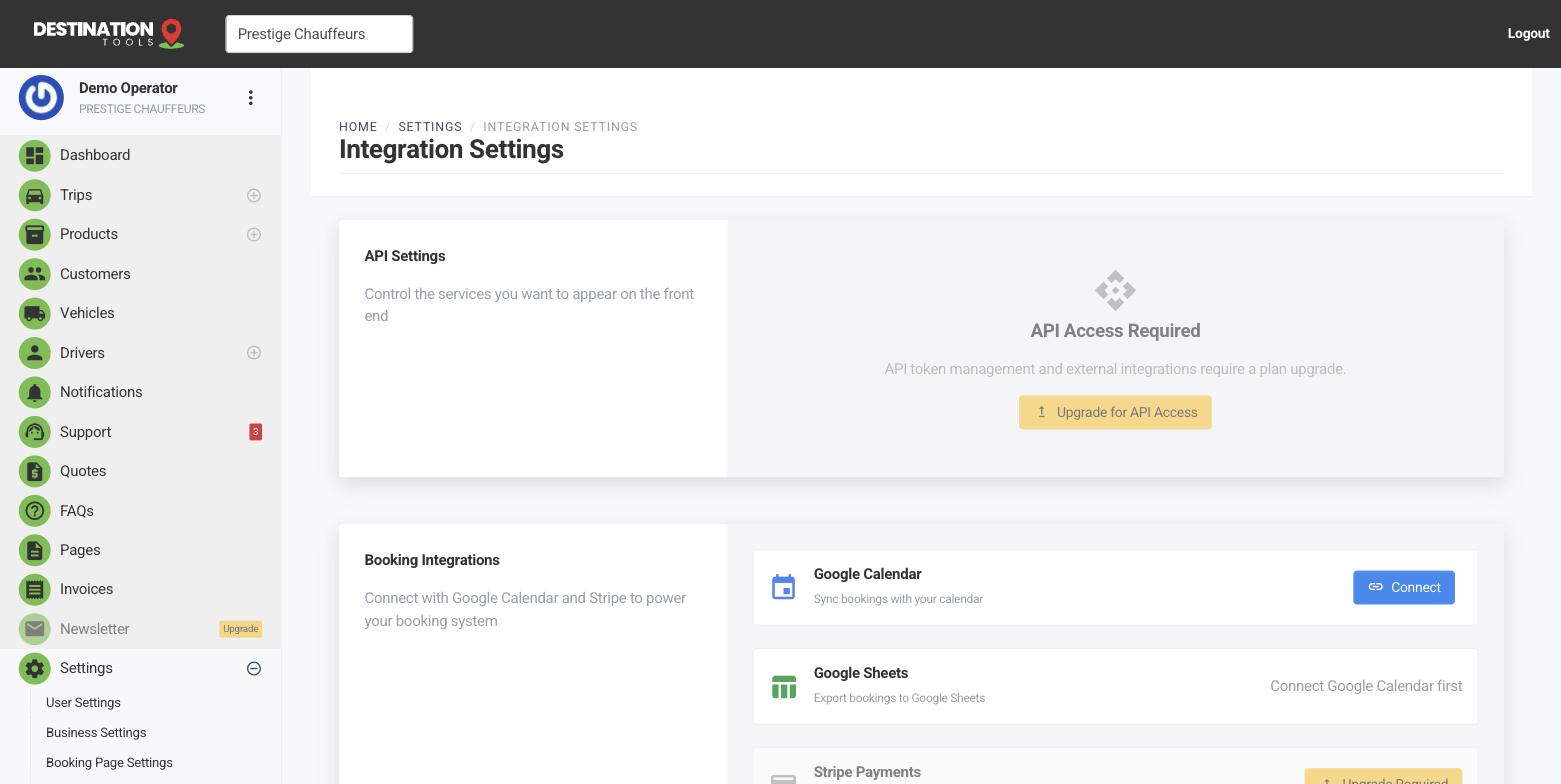
Connect a sheet
Open Settings → Integration Settings and start the Google Sheets connection. Sign in to Google, grant access, and your trips and invoices flow into a sheet that keeps in sync as new jobs come in. No copy-paste, no month-end scramble — the data is simply there when you open it.
Where to find it
Dashboard → Settings → Integration Settings → Google SheetsWhat syncs across
Your trips carry across with their route, date, vehicle and price; your invoices carry across with their number, customer and total. Because it stays in sync, a sheet you set up once keeps filling itself — ready for whenever you or your accountant want to look at the raw figures.
Where to find it
Trips & Invoices → synced rowsWhat you can do with it
Once your jobs are in a sheet, the whole spreadsheet toolkit is yours — totals, filters, pivot tables, charts. It's ideal for a month-end summary, for handing clean numbers to a bookkeeper, or for slicing the data however your business likes to see it: revenue by vehicle class, airport runs versus local jobs, takings by driver.
Sheets, invoices and VAT
The invoice figures in your sheet mirror what you raise in the app, so if you charge VAT the tax is reflected in the totals. For the finished, signed-off documents your accountant needs, keep using the branded PDFs from Invoice PDFs & receipts — the sheet is for analysis, the PDF is the record. If you keep your books in Xero, the Xero integration pushes invoices straight into your accounting instead.
Managing the connection
Review or disconnect Google Sheets from Settings → Integration Settings whenever you like. Disconnecting stops new rows syncing; the data already in your sheet stays exactly where it is. Want the day's schedule instead of a spreadsheet? Connect Google Calendar as well — the two are independent.
Still need help?
Can't find what you're looking for? Send our support team a message and we'll reply by email.