
Xero
Keeping your books in Xero? Here's how to get your invoice data across to your accounts today, and what's on the way for a direct connection.
Getting invoices to your accountant
Every invoice you raise is a branded PDF you can email or download, so the simplest route to Xero is to hand those documents — or a running export — to whoever keeps your books. Nothing is ever lost: invoices are stored against the customer and can be re-downloaded any time. See Invoice PDFs & receipts.
Where to find it
Dashboard → Invoices → open an invoice → Download / Email PDFExport with Google Sheets
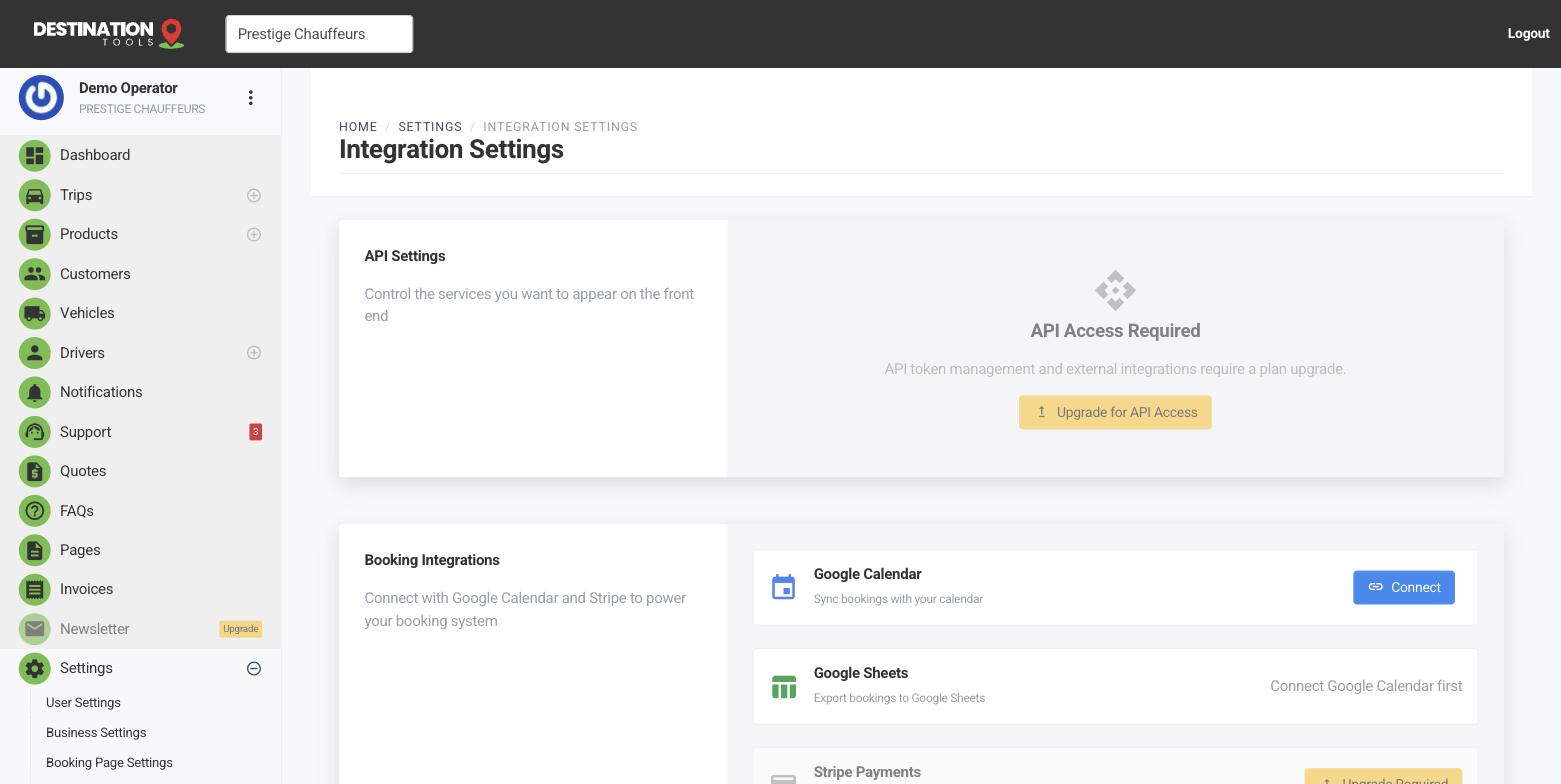
For a live, ongoing feed of your trips and invoices you can hand to an accountant, connect the Google Sheets integration. It keeps a sheet of your data in sync, which is an easy way to reconcile against your books each month without copying figures by hand.
Where to find it
Dashboard → Settings → Integration Settings → Google SheetsA direct Xero connection
A built-in, business-facing sync that pushes your invoices straight into your own Xero organisation isn't available to connect yourself just yet. If a direct Xero integration would make a real difference to your month-end, tell us via Contact support — it helps us prioritise, and we'll let you know the moment there's something to switch on.
Still need help?
Can't find what you're looking for? Send our support team a message and we'll reply by email.