
Create your account
Sign up for a free account and create your first transport business — the name customers see on quotes, invoices and your booking page.
Sign up
Head to the sign-up page, enter your name, email and a password, and create your account. It takes under a minute. Use an email you check often — it's where trip confirmations, quote views and password resets land, and it's the address you'll log in with.
Where to find it
Website → Sign up / RegisterName your first business
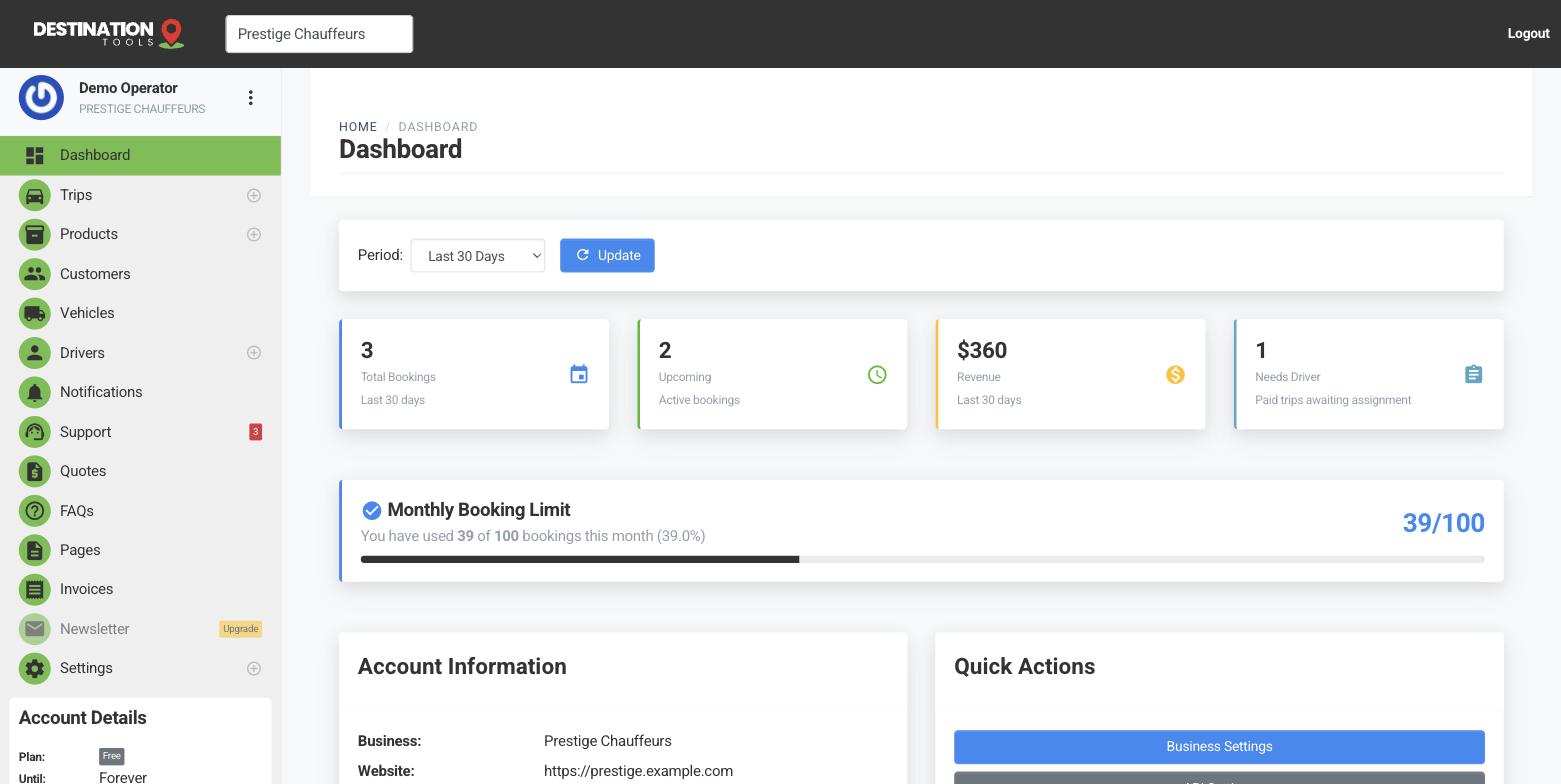
As you sign up you'll name your first transport business — say “Prestige Chauffeurs”. This is the company name that appears across the app: on the branded quote and invoice pages your customers open, and on your public booking site. You can refine the full details — logo, phone, address, VAT — later under Set up your business.
Where to find it
Sign up → Business nameWhat you get
A fresh account comes with one business, ready for you to add your first vehicle and driver. The free plan lets you start booking trips straight away — nothing to pay to try it. Upgrade features such as SMS & WhatsApp alerts and API access can be switched on later from Settings → Upgrade.
Next steps
Once your account exists, verify your email address to switch on the messages your account sends, then log in and work through your first-trip checklist — add a car, add a driver, book a trip. Running more than one brand or region? You can run and switch between businesses from the same login.
Still need help?
Can't find what you're looking for? Send our support team a message and we'll reply by email.