
Run and switch between businesses
Operate more than one fleet from a single login — separate brands, separate regions — and switch between them in a click.
Run more than one fleet
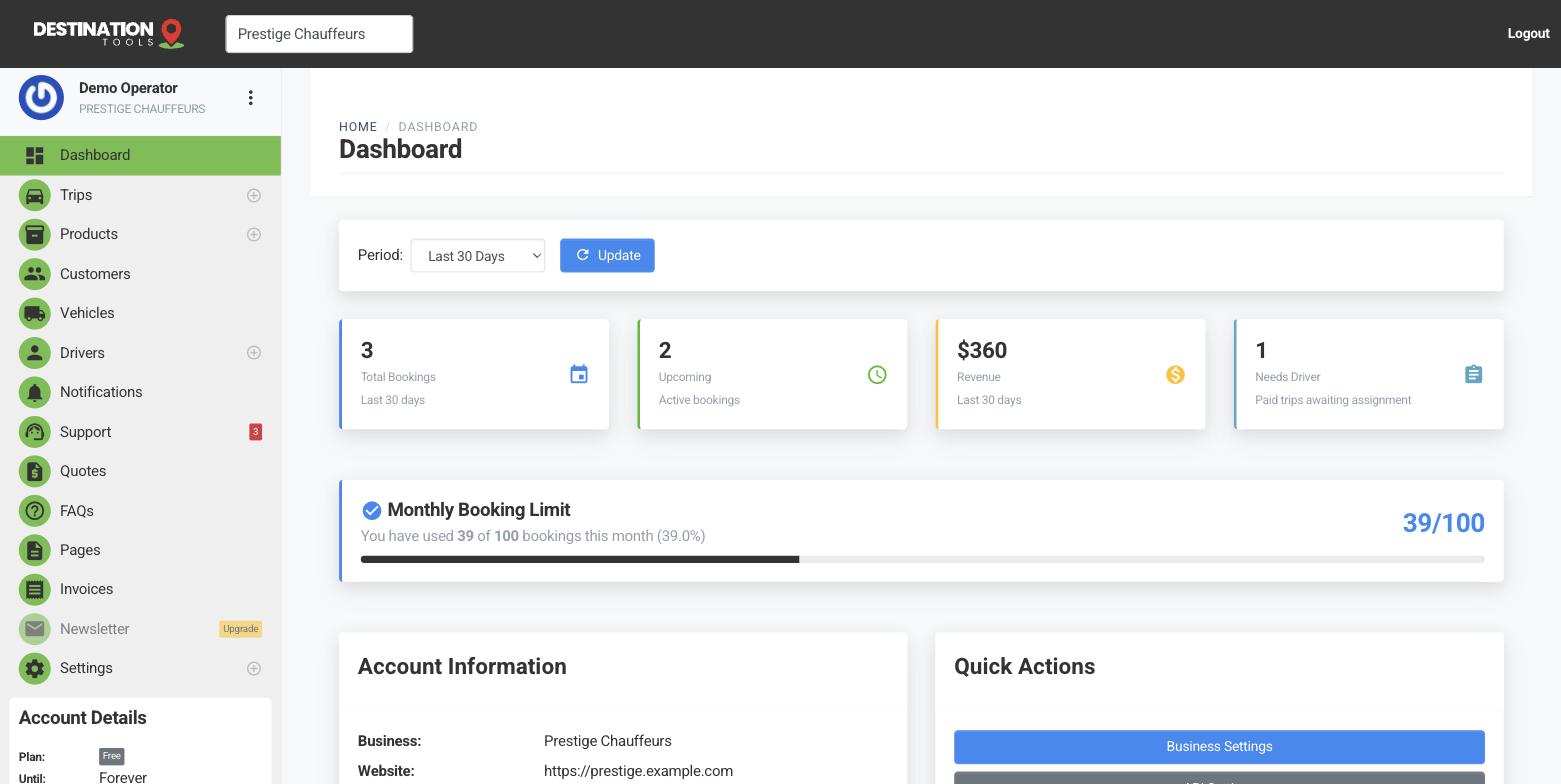
You can operate more than one transport business from a single login — handy if you run separate brands, a city and an airport operation, or two regions under one roof. Each business keeps its own cars, drivers, trips, customers, quotes and invoices, completely separate from the others. Nothing leaks between them.
Where to find it
Sidebar → account menu → business switcherSwitching between them
Use the business switcher in the account menu at the top of the sidebar to move between the businesses you belong to. Whatever you're working on — trips, quotes, dispatch, settings — always relates to the business you currently have open. So switch first, then make your changes.
Where to find it
Account menu → choose a businessEach business stands alone
Because the data is separate, each business needs its own set-up: its own logo and contact details under Business Settings, its own fleet and pricing, its own drivers, and its own payment and VAT settings. A car or driver you add to “Prestige Chauffeurs” won't appear in your other business unless you add it there too.
Colleagues and access
Team members can be given access to the businesses they work on, so a dispatcher for one brand isn't wading through another's board. Everyone should use their own login rather than sharing one, which keeps each business's activity log meaningful and dispatch clean. Getting a new business started? Run its own first-trip checklist once you've switched into it.
Still need help?
Can't find what you're looking for? Send our support team a message and we'll reply by email.