
Pickup & drop-off addresses
Good addresses are the foundation of an accurate price. Here's how the address search works, and why picking from the list matters.
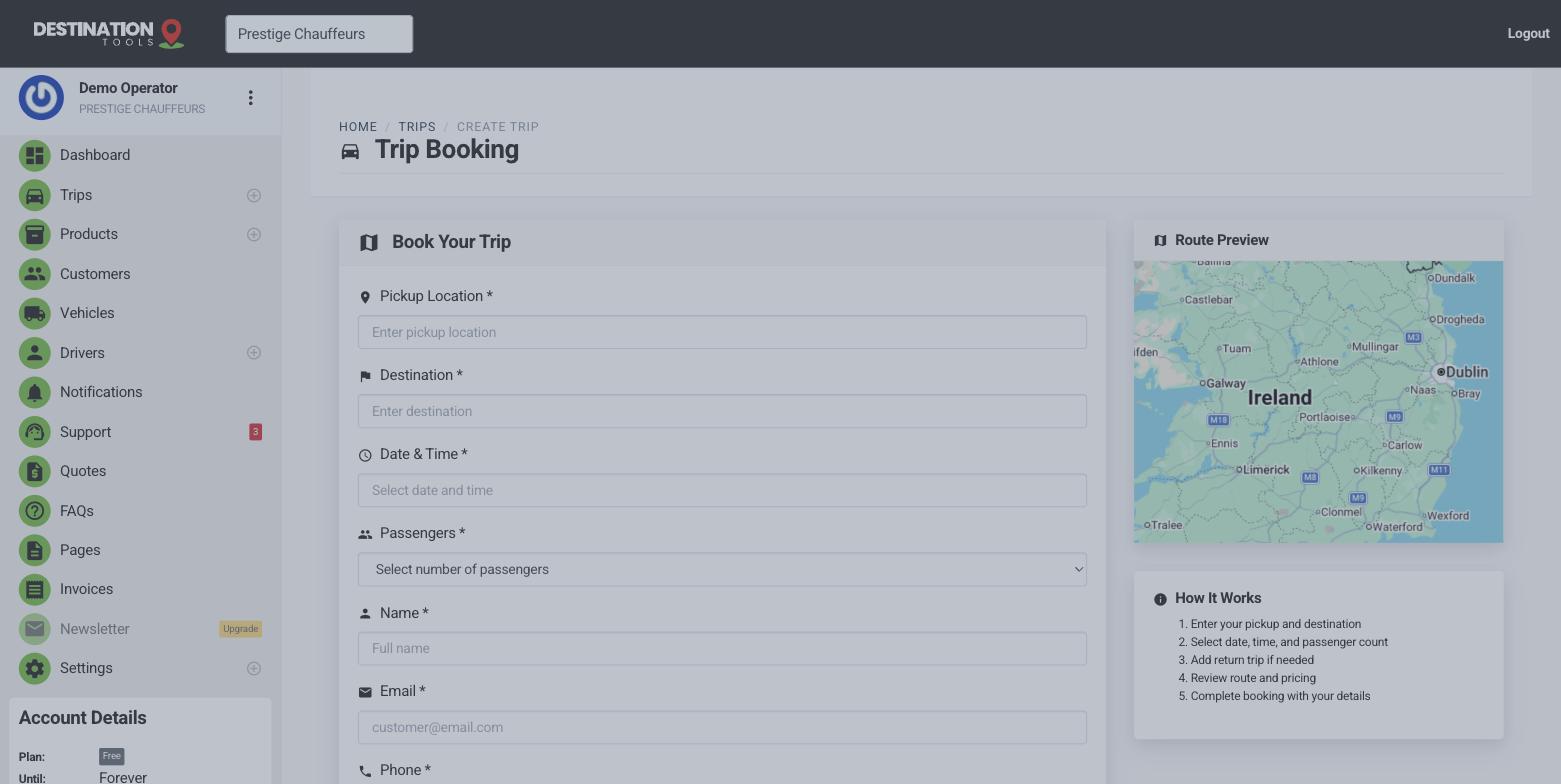
Search and pick from the list
As you type a pickup or drop-off address, suggestions appear from Google's address search. Always choose one from the list rather than leaving free-typed text — selecting a suggestion pins the exact location, so “the Marriott” becomes a precise point rather than a guess. Do this for both ends of the journey.
Where to find it
Trips → New trip → Pickup Location & DestinationDistance and journey time, worked out for you
With both ends pinned, we calculate the driving distance and an estimated journey time between them automatically — the real road route, not a straight line. Those figures appear on the trip, so you and your driver know roughly how long the run takes before anyone sets off.
Where to find it
New trip → distance & estimated time (auto-filled)Why it drives the price
On distance-priced vehicles, that calculated distance is what the fare is built from. A vague or unpinned address can throw the distance — and therefore the quote — well out. Getting both addresses right is the single biggest thing you can do to keep a quote honest.
Where to find it
Trip distance → vehicle pricing → quoted fareWhen a distance won't calculate
If the distance or price doesn't appear, it's almost always the addresses. Re-select both the pickup and the drop-off from the suggestions so each is properly pinned, then check the trip updates. For the full checklist, see A trip's distance won't calculate.
Still need help?
Can't find what you're looking for? Send our support team a message and we'll reply by email.