
Vehicle pricing & per-km rates
Price each vehicle once and every distance-based trip and quote works itself out — no calculator, no guesswork on a busy morning.
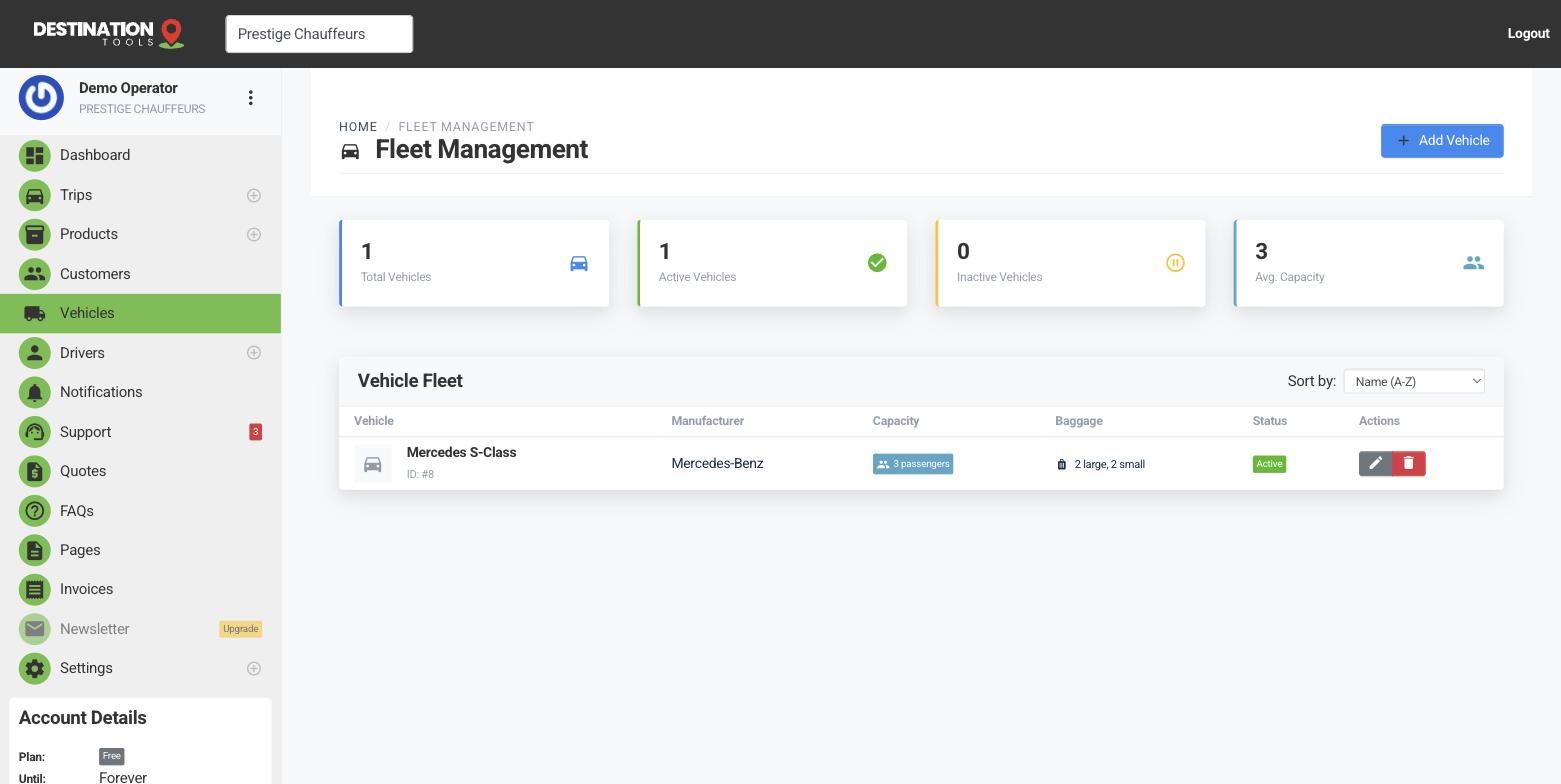
Automatic or manual pricing
Open a vehicle from Vehicles and set its pricing mode. Automatic gives an instant quote and lets customers book online straight away; Manual turns the vehicle into a quote-request only — ideal for a wedding car or a bespoke day rate where you'd rather price each job by hand. Most operators run their everyday saloons and vans as automatic.
Where to find it
Dashboard → Vehicles → edit a vehicle → Pricing ModeBase pricing
Set the initial cost — the starting price for putting this vehicle on the road — and the km included in initial cost, the distance already covered by that starting price. For a Mercedes S-Class you might set an initial cost of €60 with the first 30 km included, so short city hops carry a sensible minimum and only longer runs add distance on top.
Where to find it
Edit vehicle → Base Pricing → Initial Cost & KM IncludedCharging for distance
Beyond the included distance, the trip is charged per kilometre. Set a single per-km rate for straightforward pricing, or switch on distance tiers to charge less per kilometre as a journey gets longer — see Tiered distance pricing. The calculated fare is rounded up to the nearest €5, so quotes always come out to a clean figure.
Where to find it
Edit vehicle → Distance-Based PricingCharging for waiting time
On a multi-stop trip you can set how long the car waits at each stop, and that waiting can be charged. Set a waiting rate per hour on the vehicle and the free waiting minutes included before charging starts — a chauffeur job that holds outside a restaurant for an hour shouldn't cost the same as one that pulls straight off again.
Waiting is billed per minute beyond the free allowance, not rounded up to the hour, so a 45-minute wait on a €30/hour rate with 15 minutes free adds €15.00 — the half hour you actually waited.
Set it once for the whole fleet under Settings → Business Settings and leave the vehicle at 0 to inherit it. Give a vehicle its own rate only when holding that car should cost more — the stretch that is idle for two hours outside a wedding is not the airport saloon. With no rate set anywhere, waiting is simply free.
Where to find it
Settings → Business Settings → Waiting time   (fleet default)
Edit vehicle → Waiting Time                   (override)
One change, every quote
Because pricing belongs to the vehicle, a single edit flows through to every future trip and quote that uses that car — there's nothing to update job by job. When your fuel or wage costs move, adjust the rate once and you're covered. Distance for pricing comes from the pickup and drop-off addresses you set on the trip.
Still need help?
Can't find what you're looking for? Send our support team a message and we'll reply by email.