
Telegram alerts for your team
Get new-trip alerts the instant they happen, in a Telegram chat your team already watches — a fast, free channel that suits busy transport work.
Connect your Telegram bot
Telegram is set up in Integration Settings. Add your bot token and the chat ID for the chat that should receive alerts, then enable it. There's a Test button that checks the bot token and confirms it's valid and ready — so you know the connection works before you depend on it.
Where to find it
Dashboard → Settings → Integration Settings → TelegramChoose what gets sent
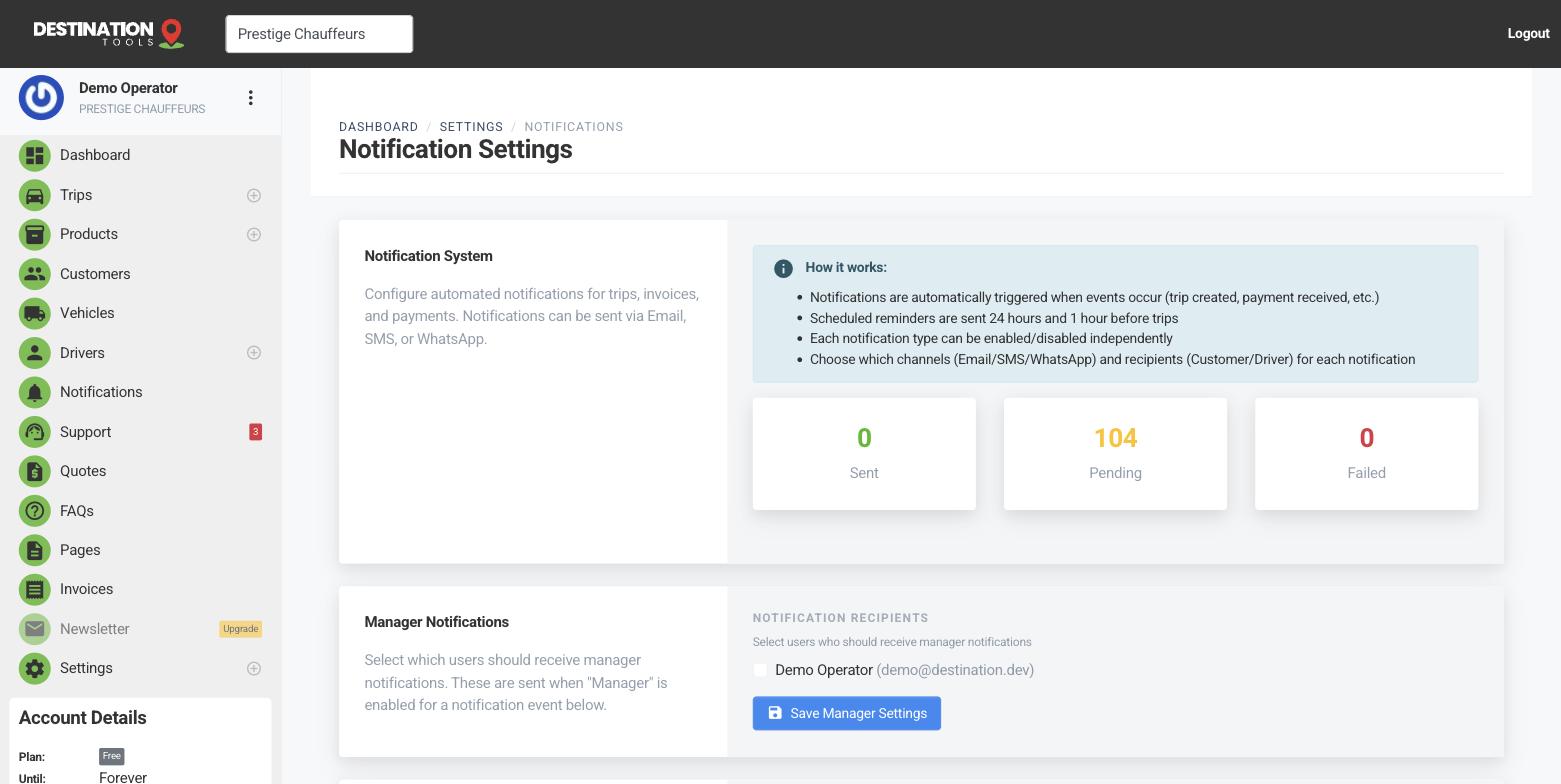
With Telegram connected, it appears as a channel on your notification events. In Notification Settings, switch Telegram on for the events you care about — a new trip coming in, a booking paid — and for the recipients you want. New jobs then drop straight into the chat, even when nobody's watching the dashboard.
Where to find it
Settings → Notification Settings → event → TelegramGood for a busy operation
A shared Telegram chat keeps dispatchers and drivers on the same page in real time — when a late-night airport booking lands from your public page, everyone sees it at once. It's lightweight and reliable, and because it's free to send it's an easy channel to leave running all day.
Where to find it
Notification Settings → Send test notification → TelegramTelegram, SMS or email
Telegram shines for internal, all-team alerts; for messages to a specific customer or driver's phone, SMS & WhatsApp fit better, and email carries the full details and branding. Most operators run a mix — Telegram for the team's shared awareness, email and text for the customer. See Driver job alerts.
Still need help?
Can't find what you're looking for? Send our support team a message and we'll reply by email.