
Customer confirmation emails
Your customers stay informed automatically — a clear email when a trip is booked, when it's paid, and a reminder before pickup — without you writing a word.
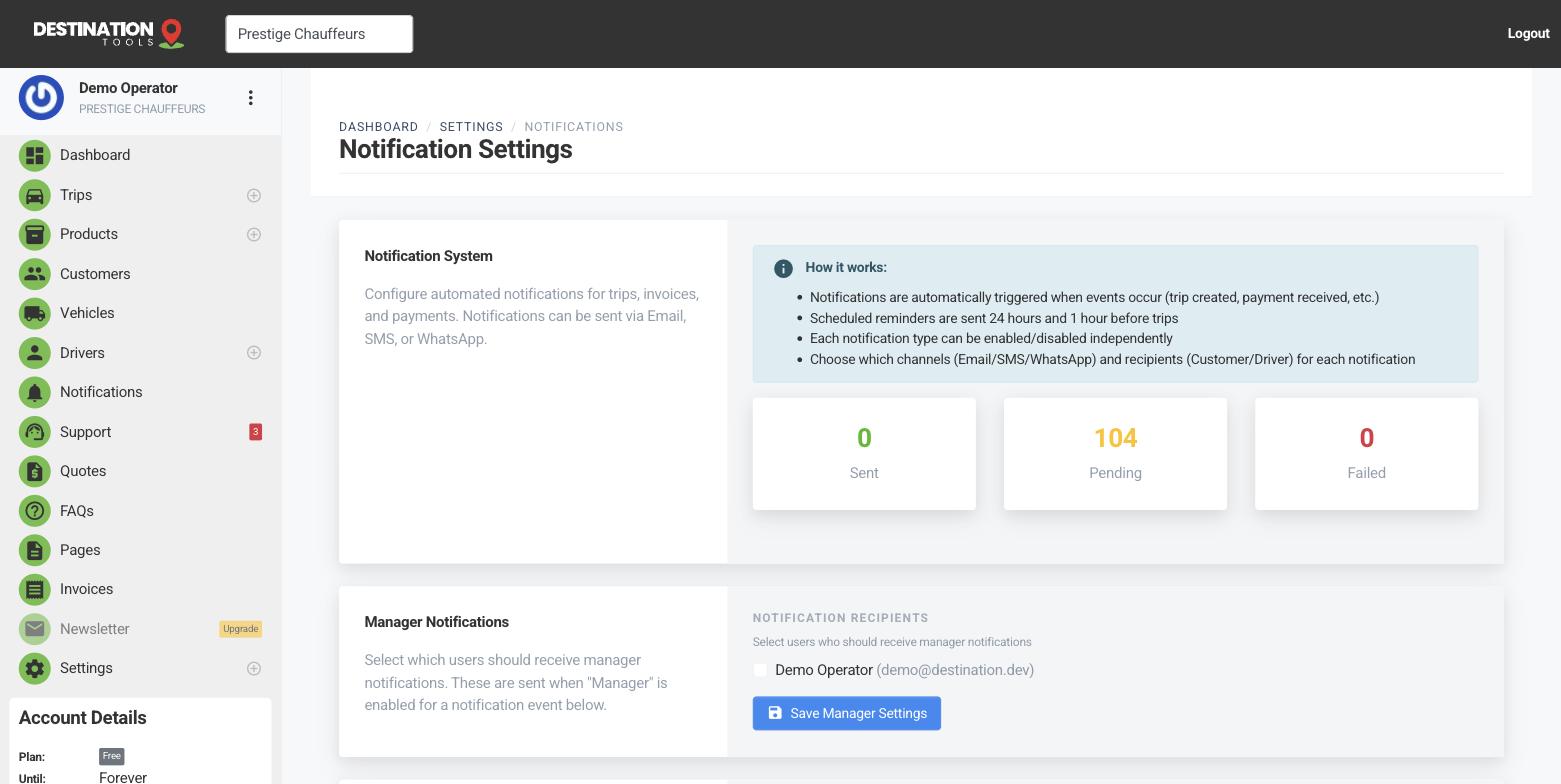
What customers receive
The emails are driven by events on a trip. When a booking is created, the customer gets a confirmation with the route, date and time and the details they need; when a payment lands, a confirmation follows; and a reminder can go out ahead of the pickup so an early airport run isn't forgotten. Each event has its own message, so what the customer reads always matches what just happened.
Where to find it
Dashboard → Settings → Notification SettingsTurn events on or off
In Notification Settings each event is a row you control. Switch an event on or off, and choose whether the customer is notified for it — alongside your driver and manager recipients. If you'd rather confirm bookings yourself but still send automatic reminders, that's a couple of toggles.
Where to find it
Notification Settings → event → Customer / EmailEdit the wording
Open an event's template to edit its subject and message, using variables like the customer's name, the pickup and drop-off, the vehicle and the date so each email fills itself in. Send yourself a test notification to see exactly what a customer will get before it goes live. It's your voice, sent automatically.
Where to find it
Notification Settings → Edit template / Send testWhy it matters
Timely, well-branded confirmations make Prestige Chauffeurs look organised and cut the “is my car definitely booked?” calls to almost nothing. Make sure your business details and logo are complete so these emails carry the right branding and contact information, and that your sending domain is set up so they land reliably — see Emails aren't arriving.
Still need help?
Can't find what you're looking for? Send our support team a message and we'll reply by email.