
Customer details & history
Open a customer and see the whole relationship at a glance — their contacts, every trip they've taken and every invoice they've been sent.
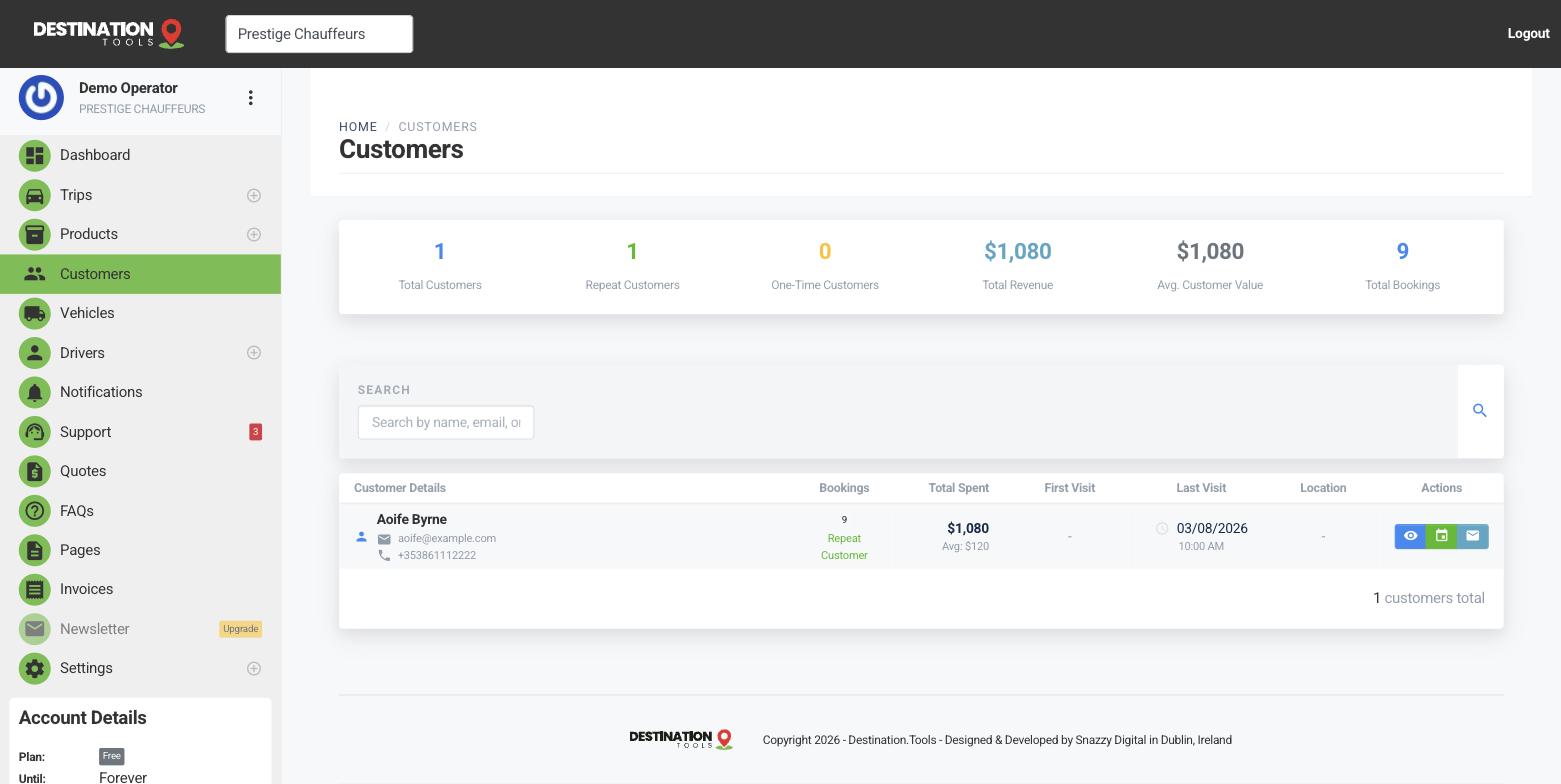
Open a customer
From your customer list, click into anyone to open their record. At the top you'll find their contact details — name, email and phone — the essentials you need to call ahead about an early airport run or confirm a pickup point.
Where to find it
Dashboard → Customers → open a customerPast trips and invoices
Below the contact details sits the history: the trips this customer has taken — routes, dates and vehicles — and the invoices they've received, with their paid or unpaid status. It's the full picture of your dealings with a passenger or account in one view, so you're never scrolling back through email to piece it together.
Where to find it
Customer → Trips & InvoicesRebook a regular in seconds
When Aoife Byrne calls for “the usual,” her history tells you exactly what that means — the route she takes, the Mercedes S-Class she prefers, the name board she likes at arrivals. Glance at her last trip, then create the next one with the details already in mind. Personal service, no memory required.
Settle any query
If a customer questions a charge, their invoice history has the answer — what was billed, when, and whether it's been paid. You can re-download any invoice PDF straight from the record to resend it, and check the status against your recorded payments. No dispute needs to become an argument.
Managing accounts
For a corporate client or hotel that books repeatedly, this single view is effectively their account statement — every job and every bill in date order. Pair it with monthly invoicing to run smooth, on-account billing. See Corporate & account customers.
Still need help?
Can't find what you're looking for? Send our support team a message and we'll reply by email.