
Return & round-trip bookings
Booking someone out and back? Capture both legs at once so the outbound and inbound jobs stay linked as a single booking.
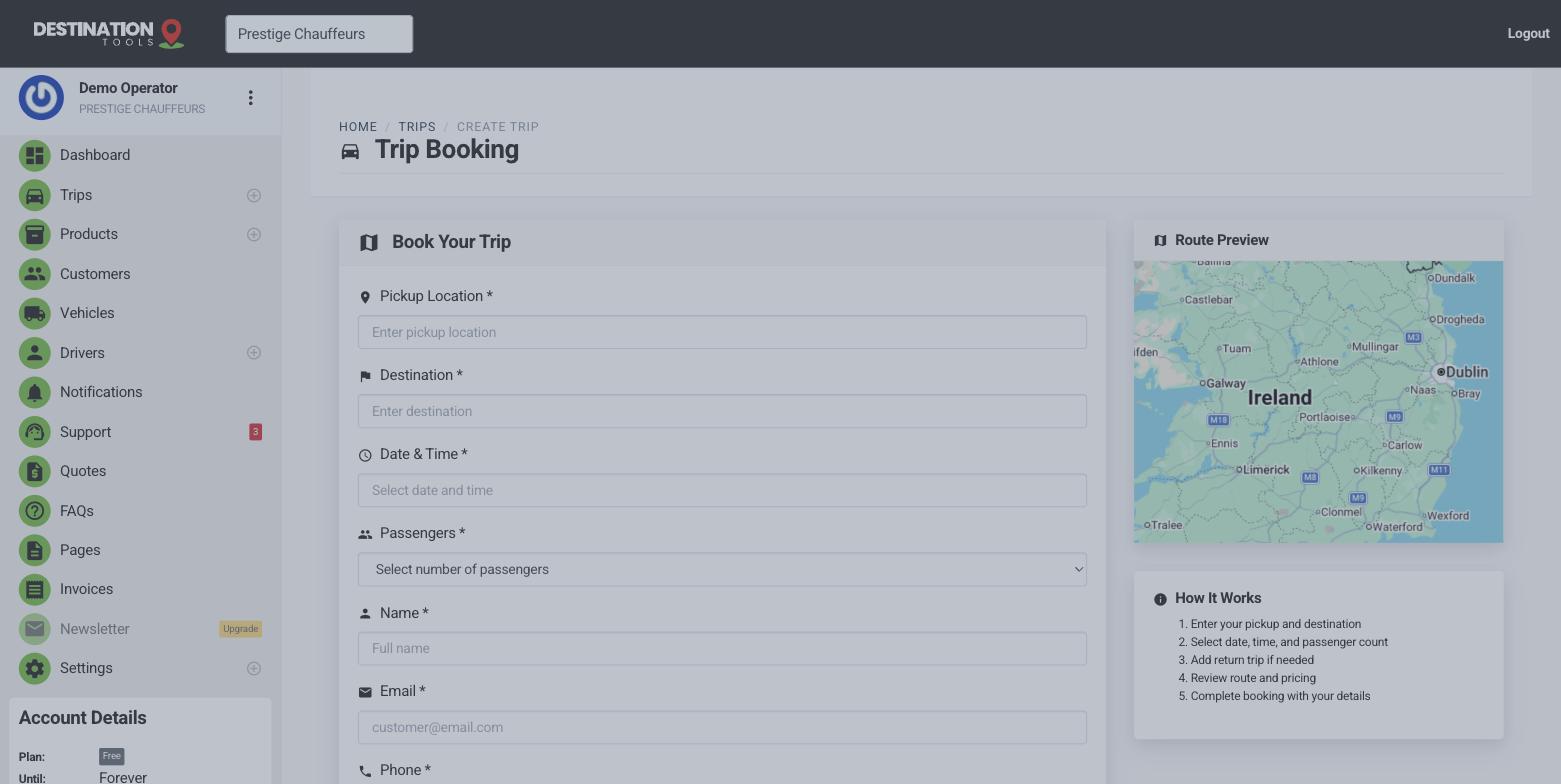
Add the return leg
When you create a trip, tick Add return trip to book the inbound journey at the same time. We create the return by swapping the pickup and drop-off, carrying over the vehicle and the distance, so you don't re-enter anything. You just set the return date and time.
Where to find it
Trips → New trip → Add return tripTwo linked legs, one booking
The outbound and return stay linked, so you can see the whole job together and make sure both legs have a driver and a vehicle. You can assign the same driver to both or split them — handy when a morning airport drop and an evening pickup suit different people on your roster.
Where to find it
Trips → open the trip → linked return legRound trips with the car waiting
For a there-and-back where the car waits — a meeting, a viewing, an event — note the wait in the trip's notes or requirements so the driver plans for it, and add the waiting time as a line item when you invoice. Extra stops along a route work the same way: capture them in the notes so the driver has them, and price them in on the invoice.
Where to find it
Trip → Notes / requirements → waiting & extra stopsAirport out-and-back
Round trips shine for travel: book the departure transfer to the airport and add the return as an arrival, and both legs are captured together with their timing. Add the flight number to each so your driver meets the right flight coming home — see Airport transfers.
Still need help?
Can't find what you're looking for? Send our support team a message and we'll reply by email.