
Passenger check-in codes
Every trip carries a short check-in code so your driver can be certain they've got the right passenger before they pull away.
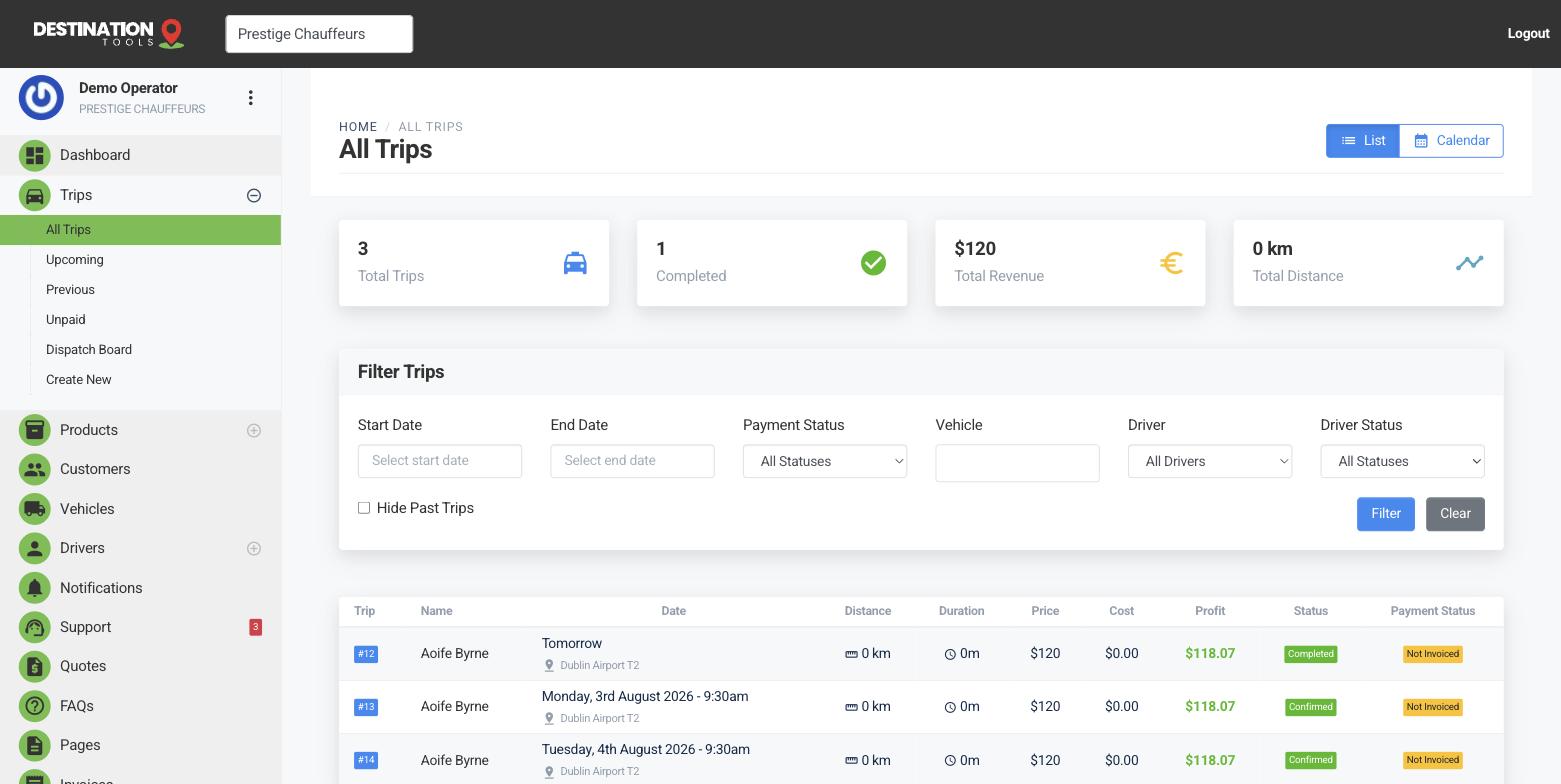
What the code is
When a trip is created, we generate a unique check-in code for it — a short string of letters and numbers. It's the trip's own little password, and it's there so a pickup can be confirmed with certainty rather than a hopeful “Are you the car for Byrne?” It sits on the trip and travels with the job to the driver.
Where to find it
Trips → open a trip → Check-in codeUsing it on the day
The code shows on the driver's trip link, so whoever's driving has it in their hand at the kerb. Share it with the passenger — on their confirmation, or a quick text as the car approaches — and the driver simply matches the two. It turns a crowded arrivals hall or a hotel lobby full of people into a clean, confident handshake.
Where to find it
Driver trip link → passenger check-in codeWhere it earns its keep
The code matters most where a wrong pickup costs you money: pre-paid and account bookings, VIP collections, and airport runs where Aoife Byrne is one of a dozen names on the concourse. A quick match against the code means the right person, in the right car, every time — and no awkward moment halfway to the city when it turns out you've collected the wrong Byrne.
Still need help?
Can't find what you're looking for? Send our support team a message and we'll reply by email.