
Add FAQs
Answer the questions passengers ask before they book — right on your booking page — and cut the calls and emails you field every day.
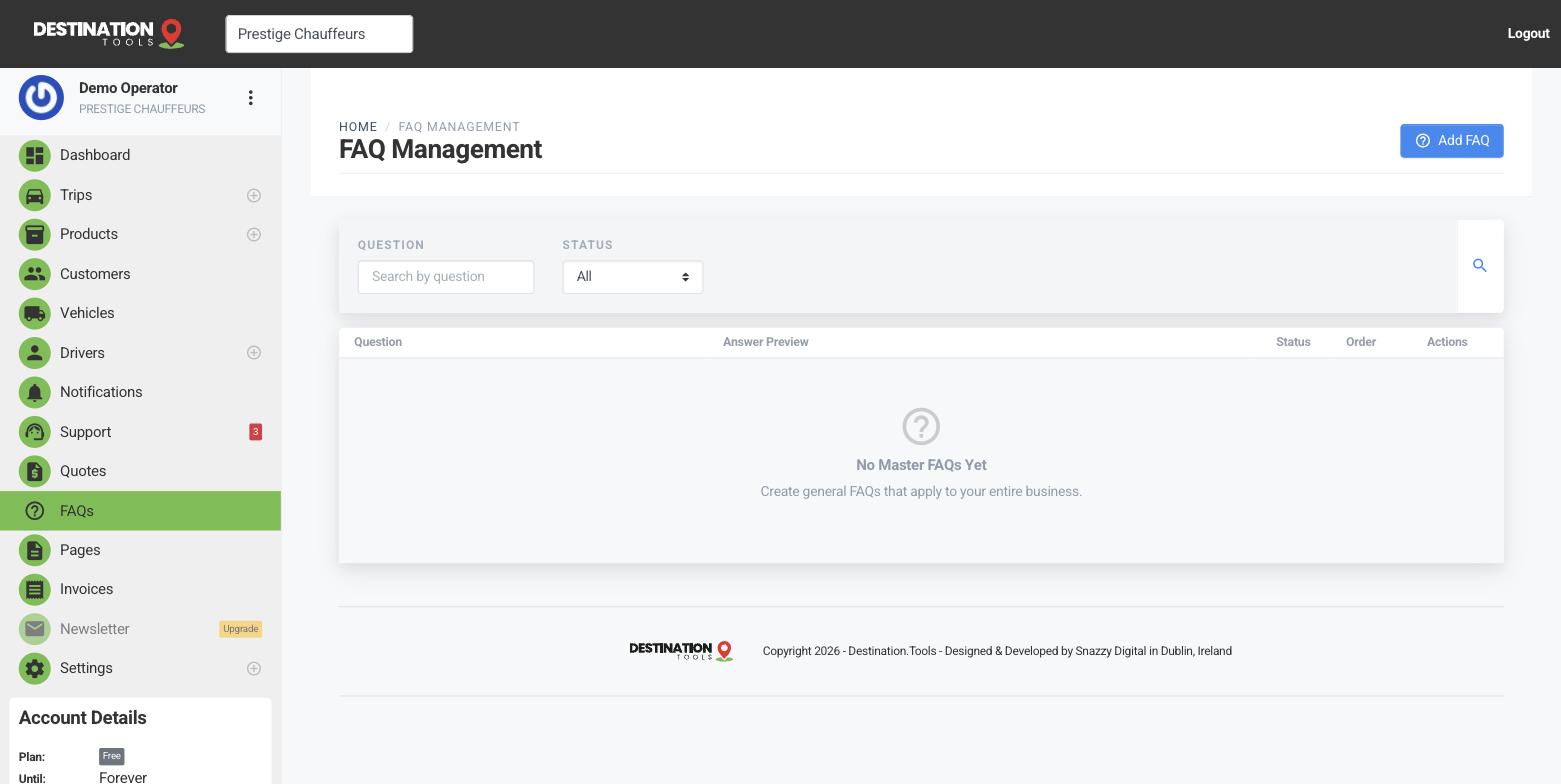
Write a question and answer
Open FAQs and add a question with its answer. Keep each one short and specific: “Do you meet me inside the terminal?”, “Is a child seat available?”, “How far ahead should I book an airport transfer?” Add as many as you need — the ones you already answer over and over on the phone are the ones to write down first.
Where to find it
Dashboard → FAQs → Add FAQOrder them by what matters
Reorder your FAQs so the most common questions sit at the top — meet-and-greet, luggage, payment and cancellation usually earn their place first. You can edit or remove any entry at any time as your service changes.
Where to find it
FAQs → reorder / edit / deleteShow them on your booking page
Your FAQs appear as a section on your public booking page. Turn the FAQ section on and place it where it helps most — usually just below your fleet, where a wavering customer is weighing up the booking. Control that from your page settings.
Where to find it
Settings → Booking Page Settings → FAQ sectionWhy it earns its keep
Every question answered up front is a call you don't have to take and a doubt that doesn't cost you the booking. A clear, honest FAQ section also quietly signals experience — it tells a first-time customer that Prestige Chauffeurs has done this a thousand times and knows exactly how an airport run works.
Still need help?
Can't find what you're looking for? Send our support team a message and we'll reply by email.